













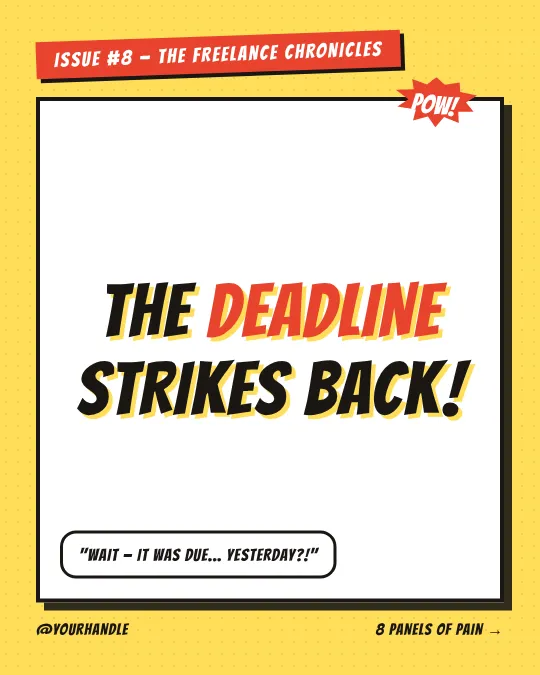
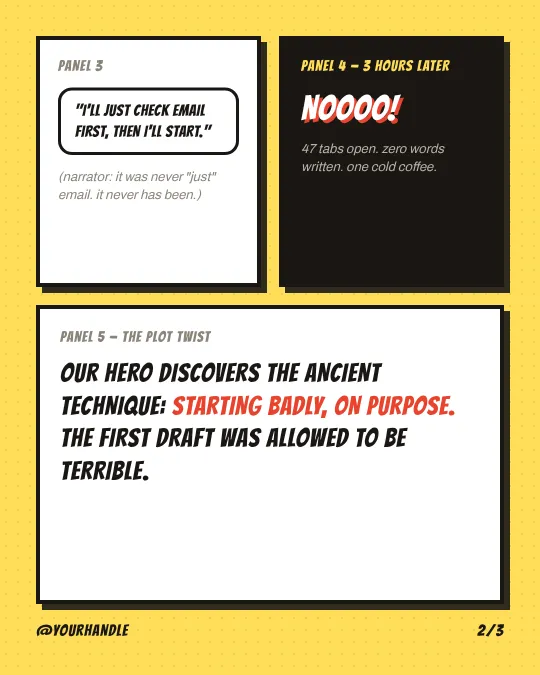
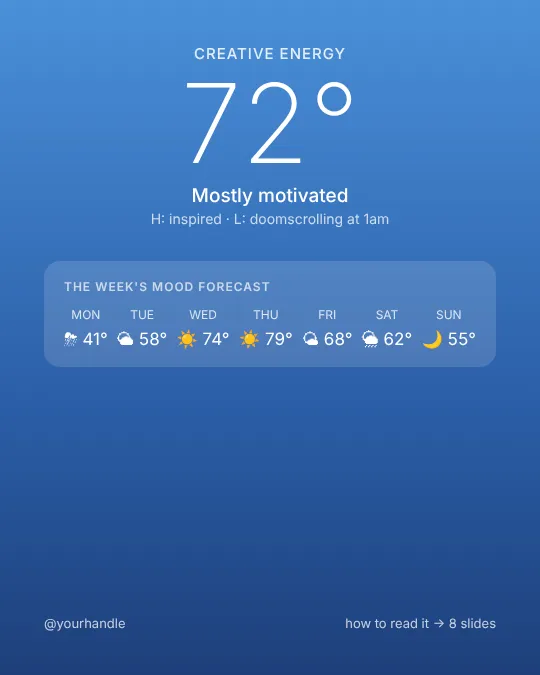












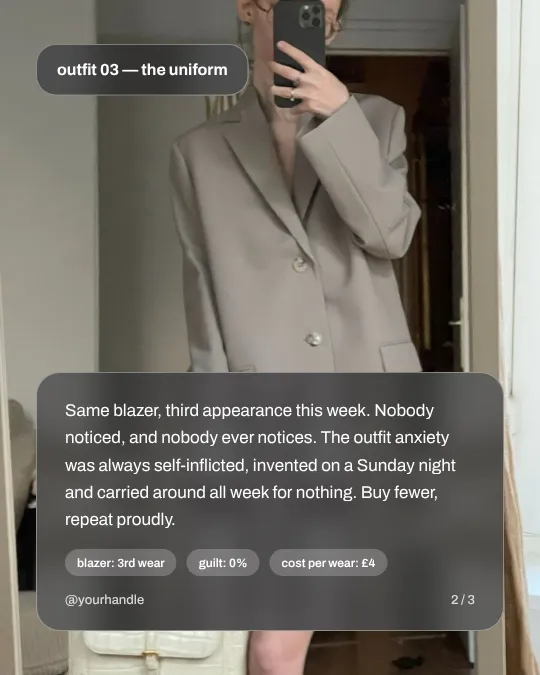

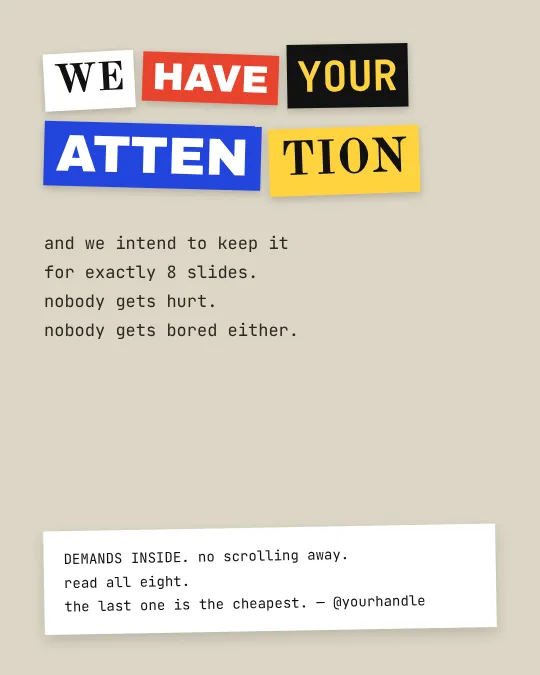
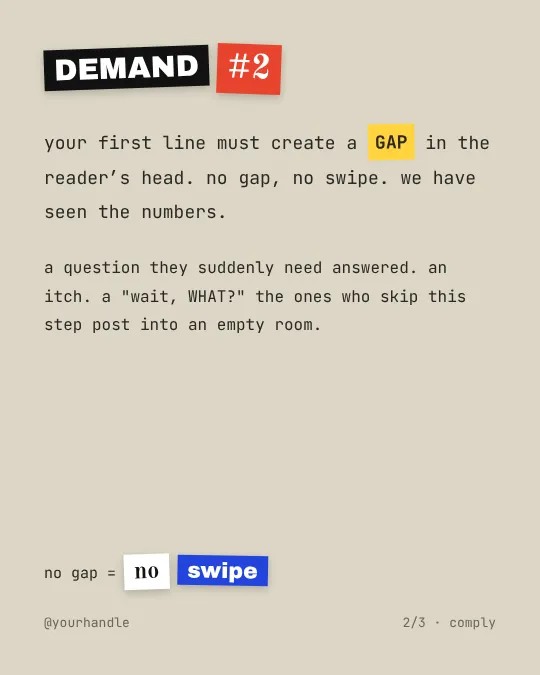
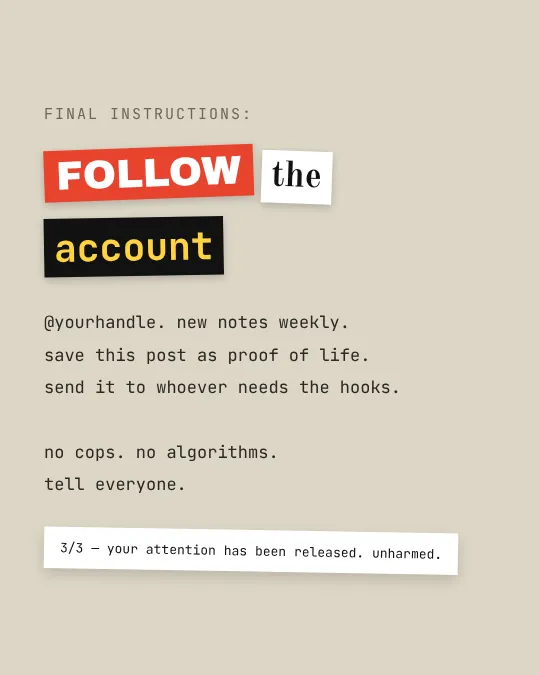













Instagram carousel templates

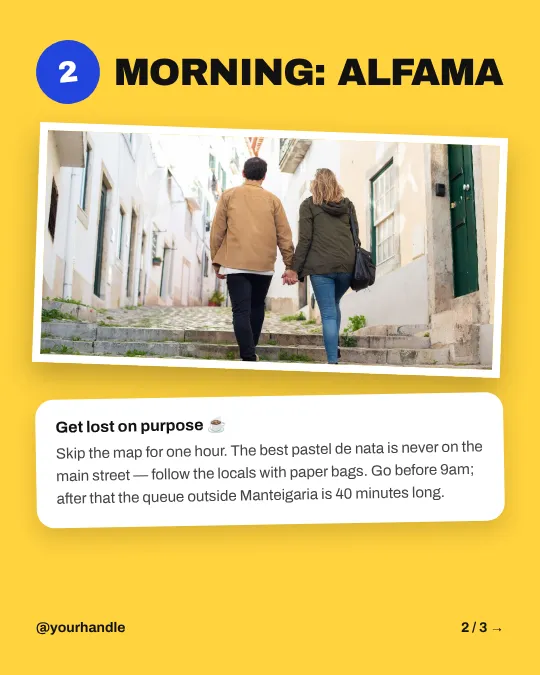
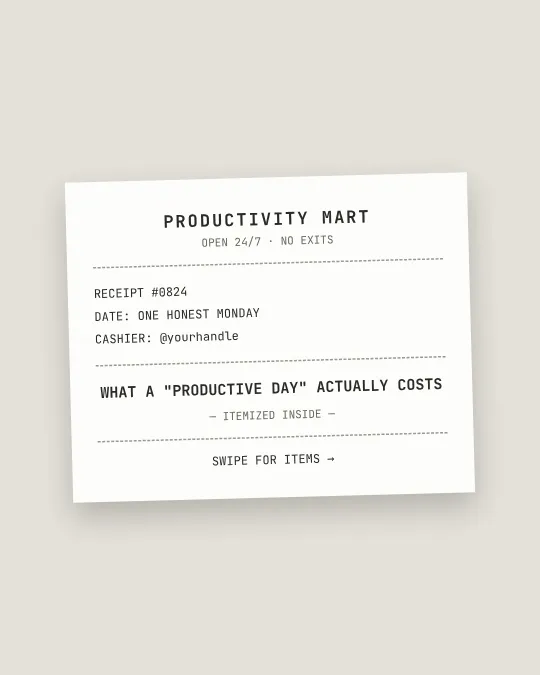
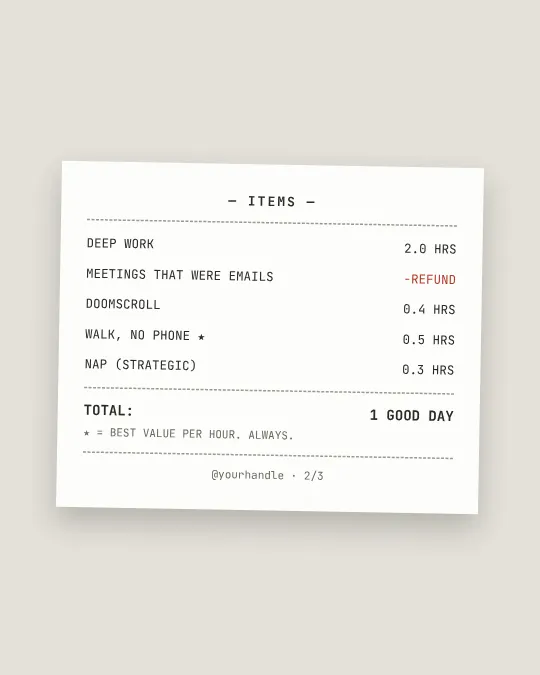
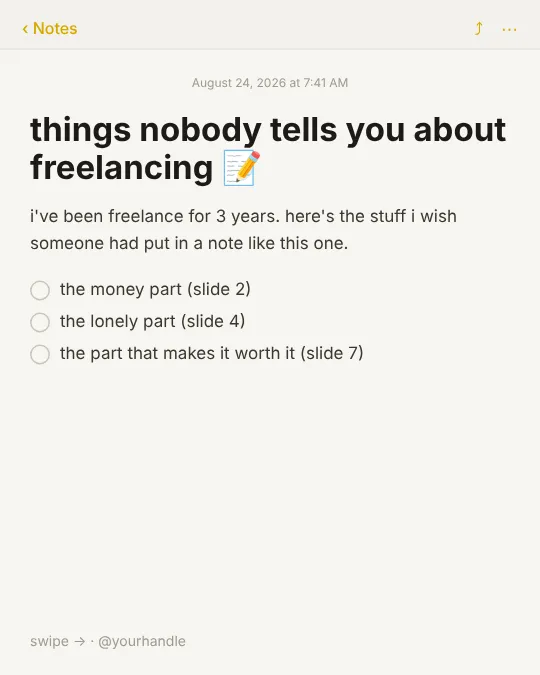
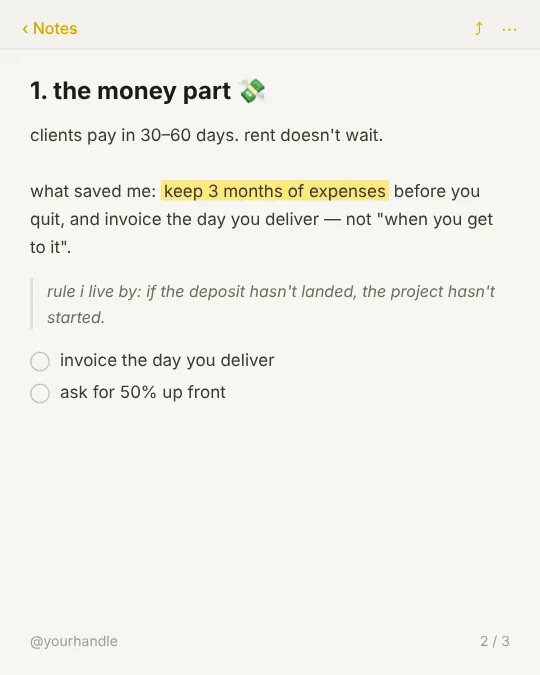
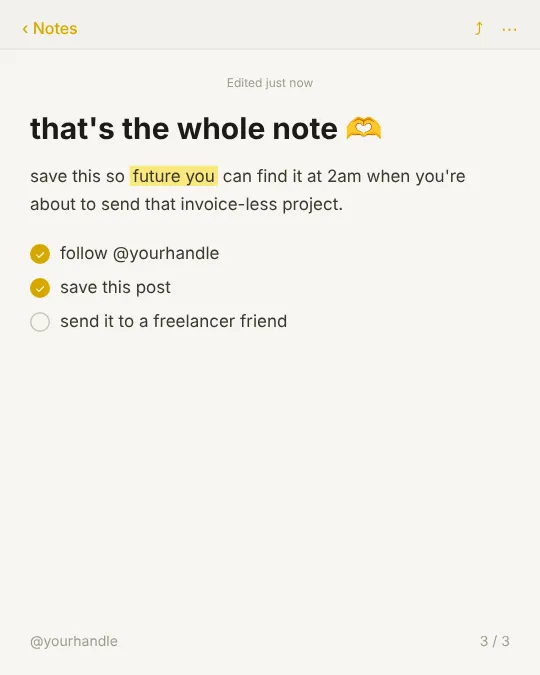
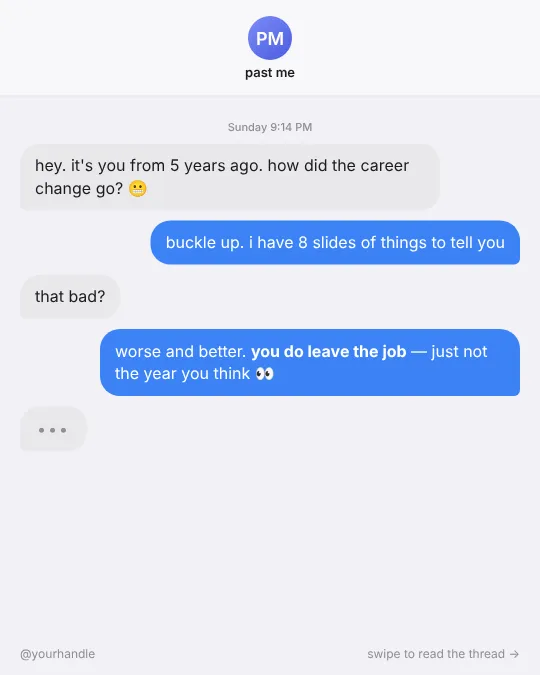
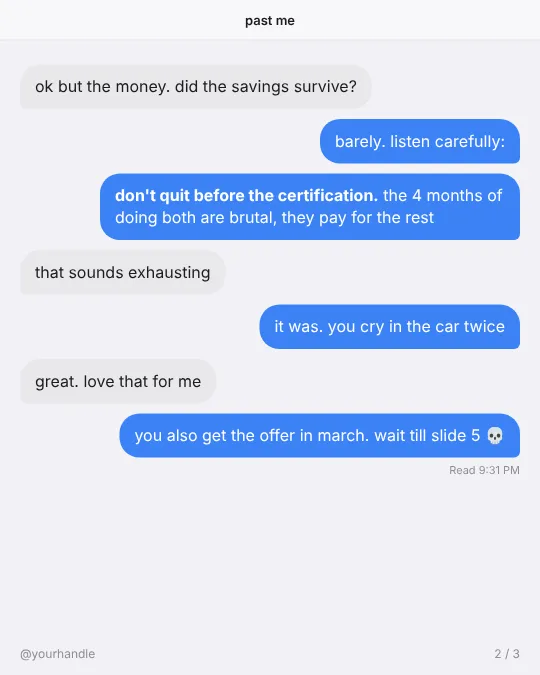
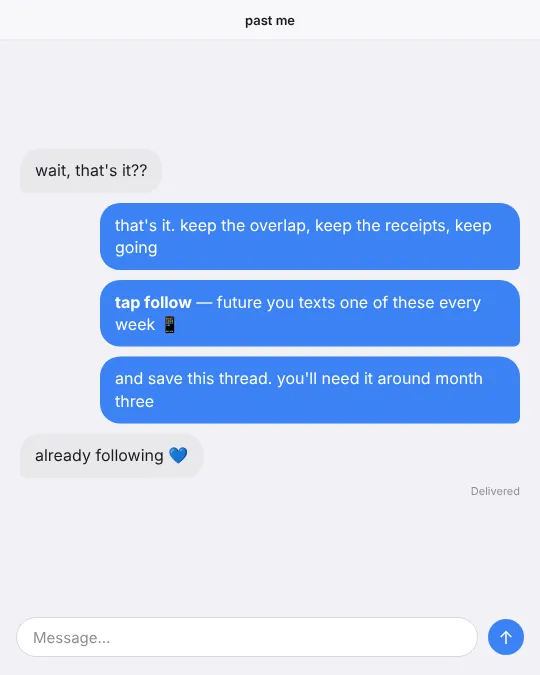
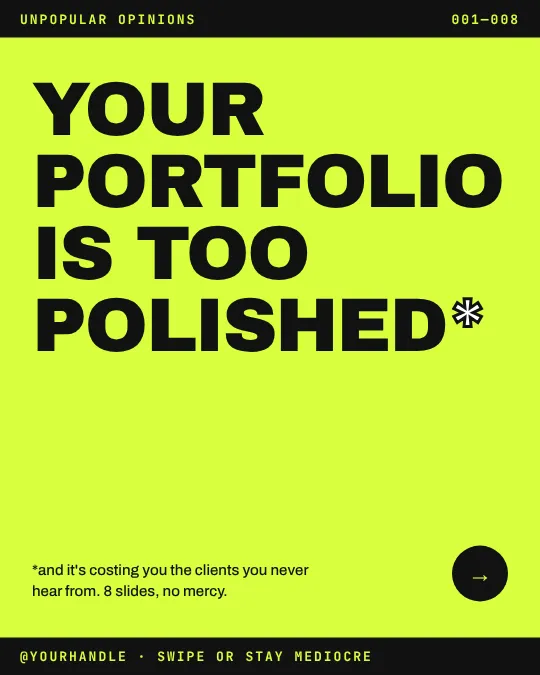
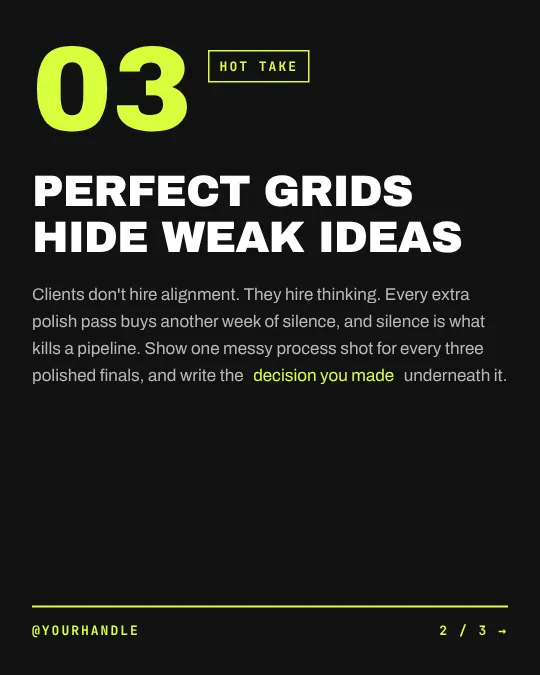
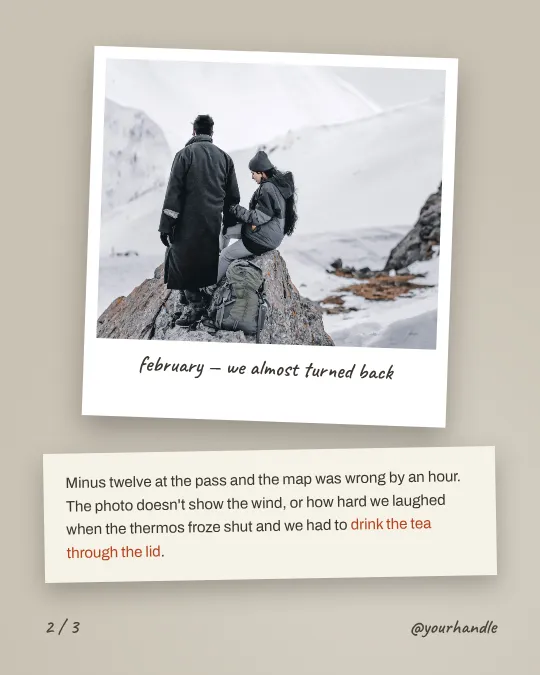
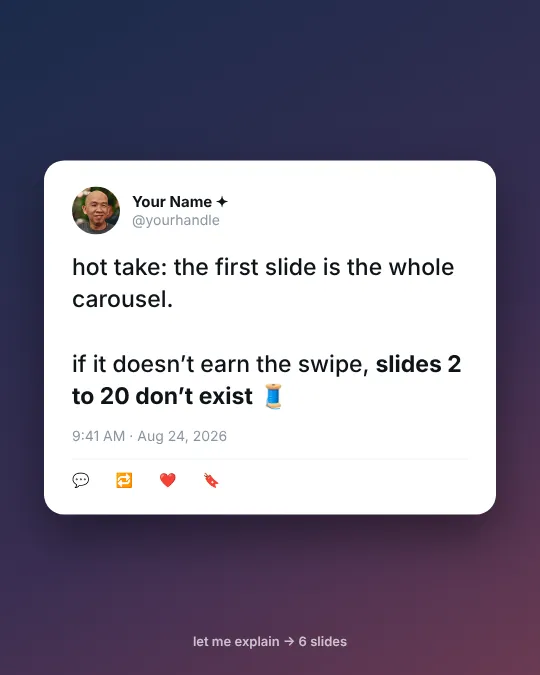
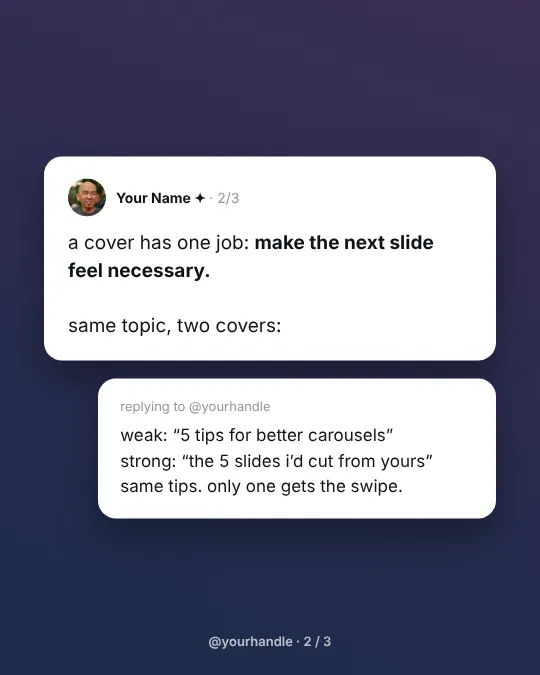
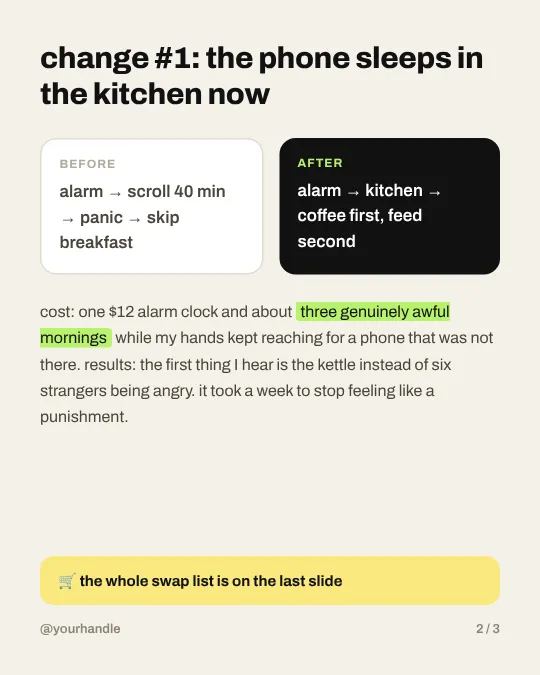
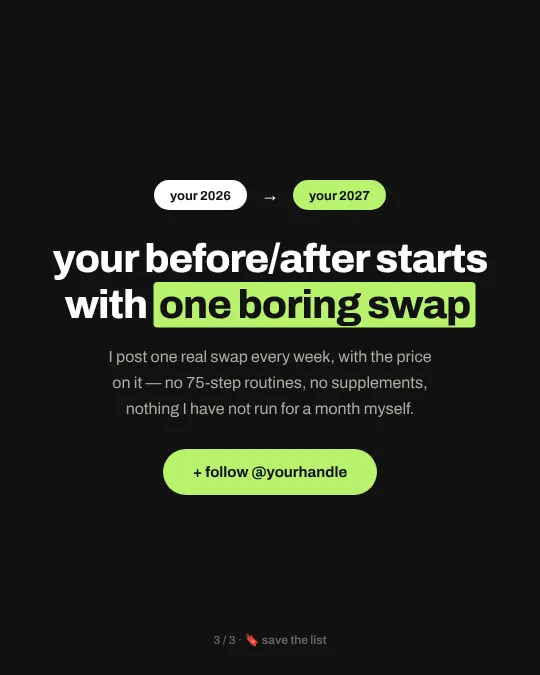
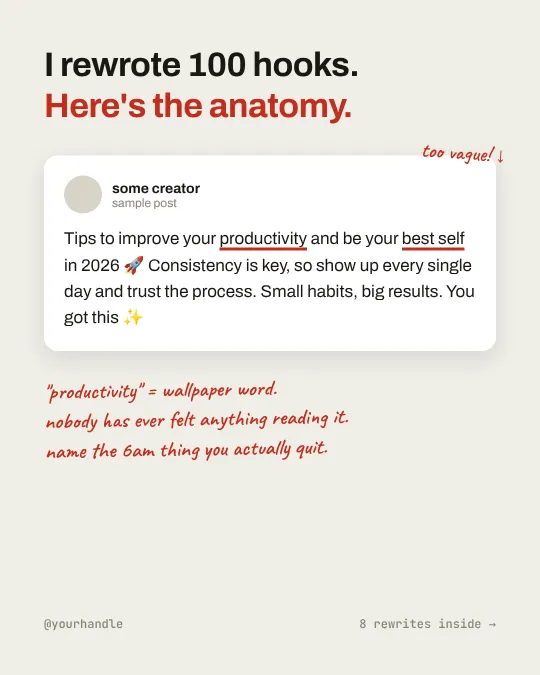
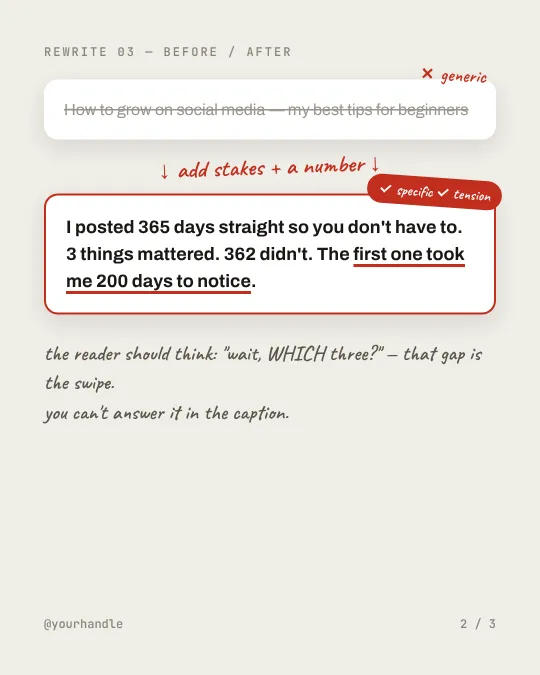
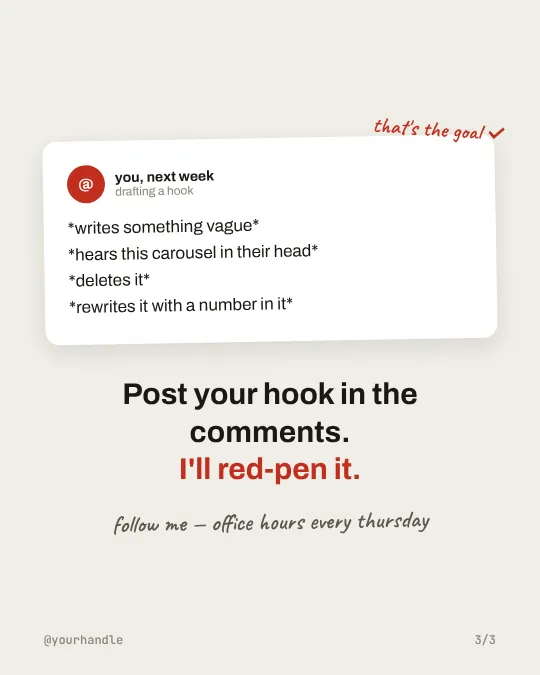
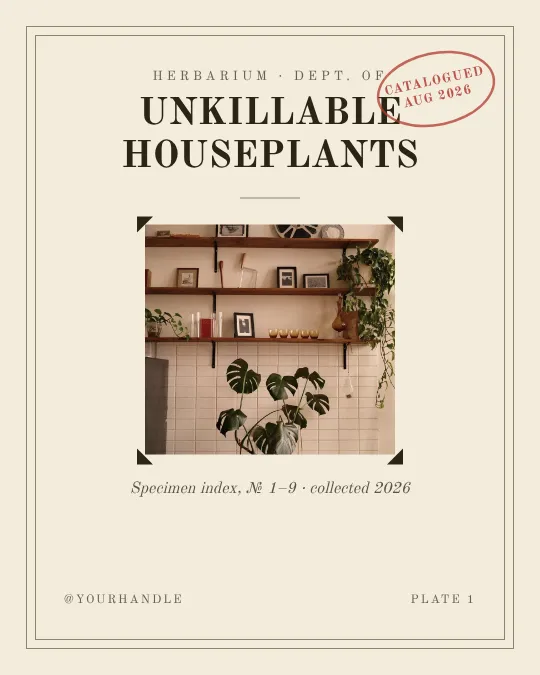
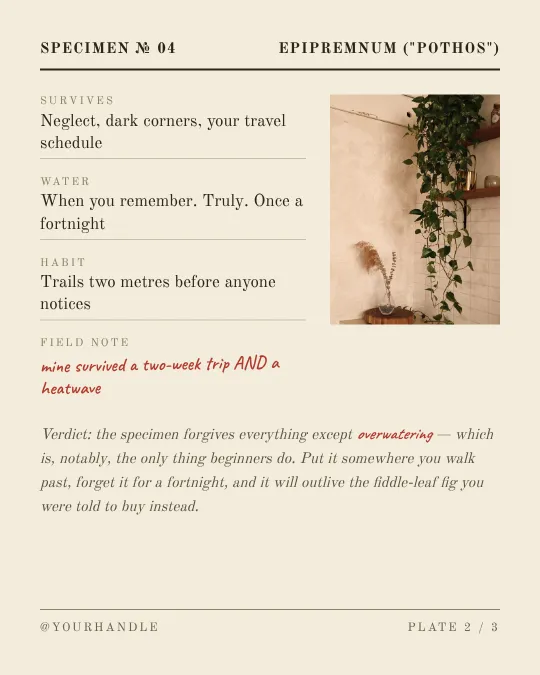
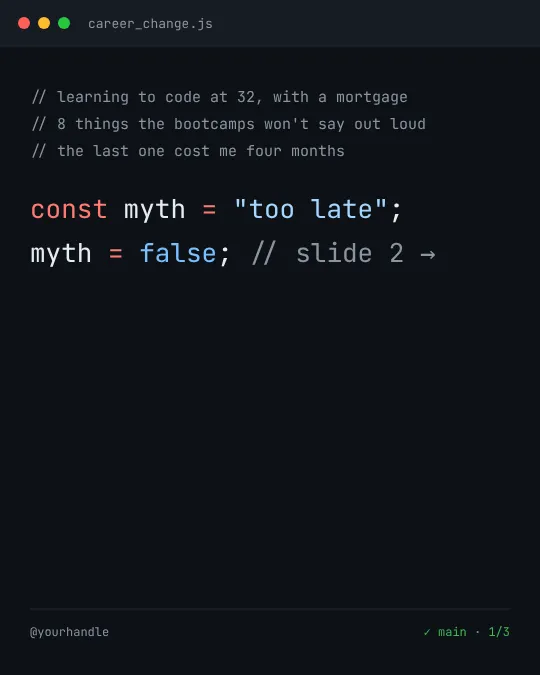
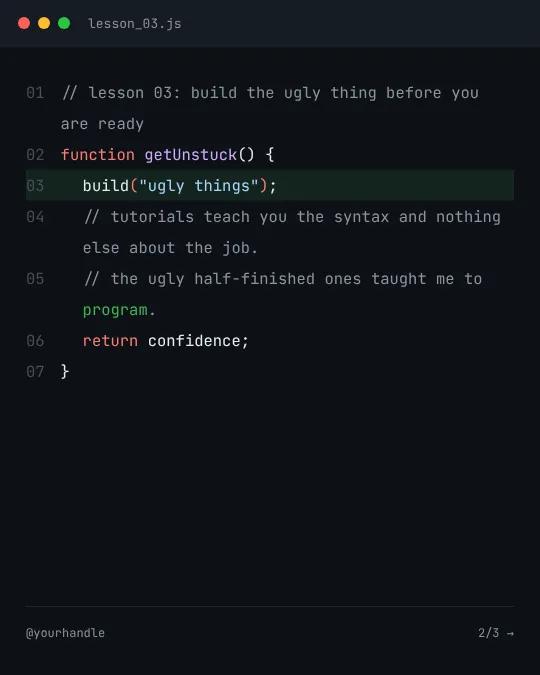
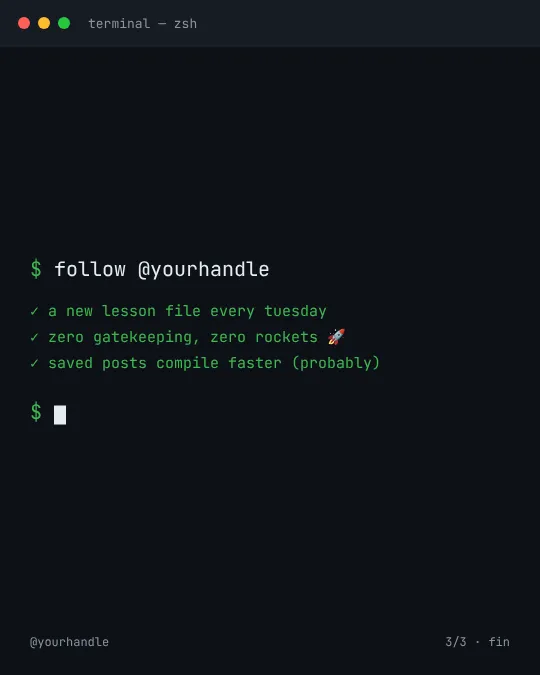
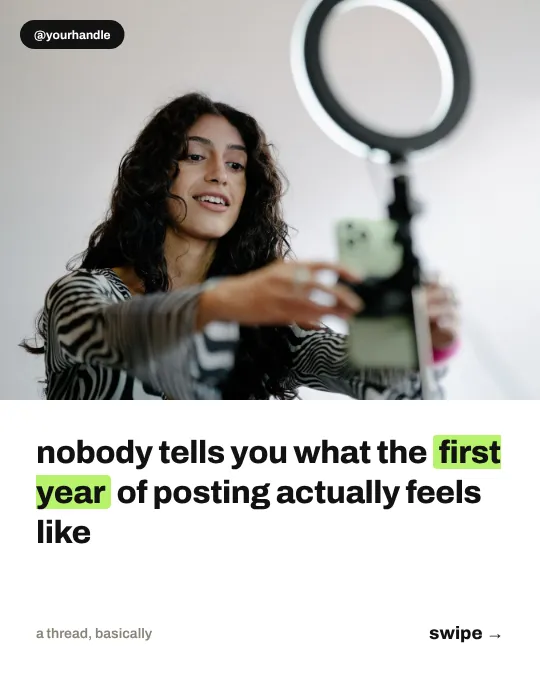
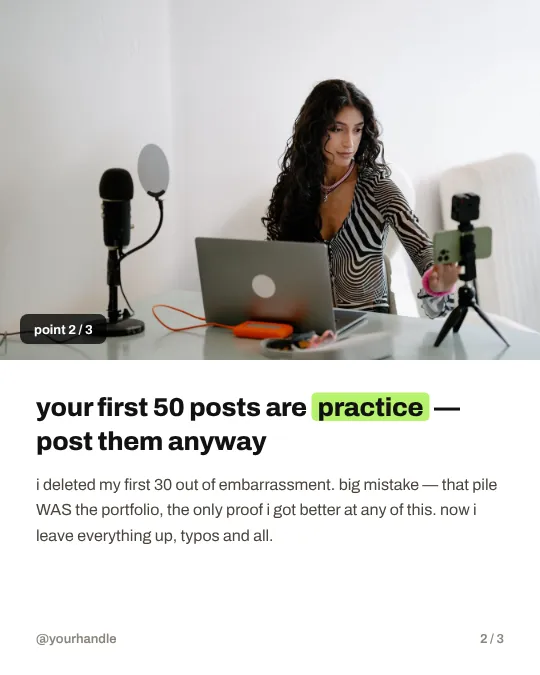
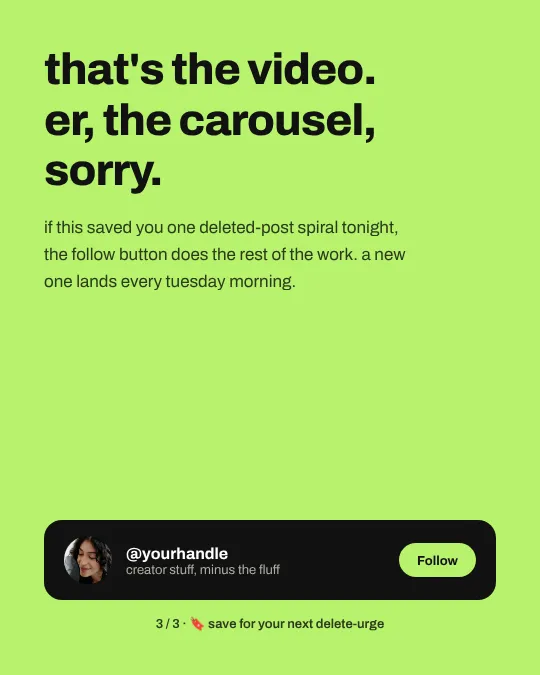
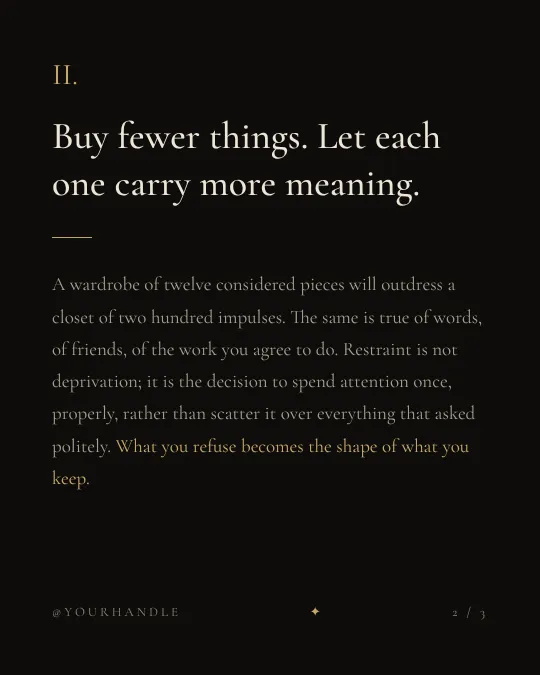
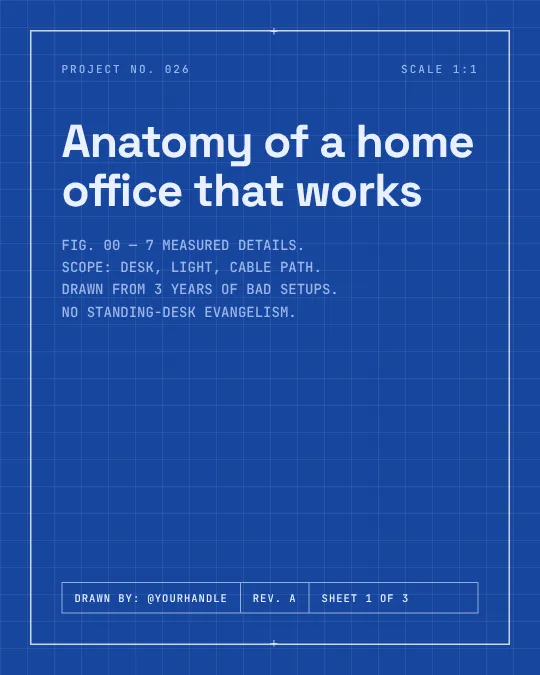
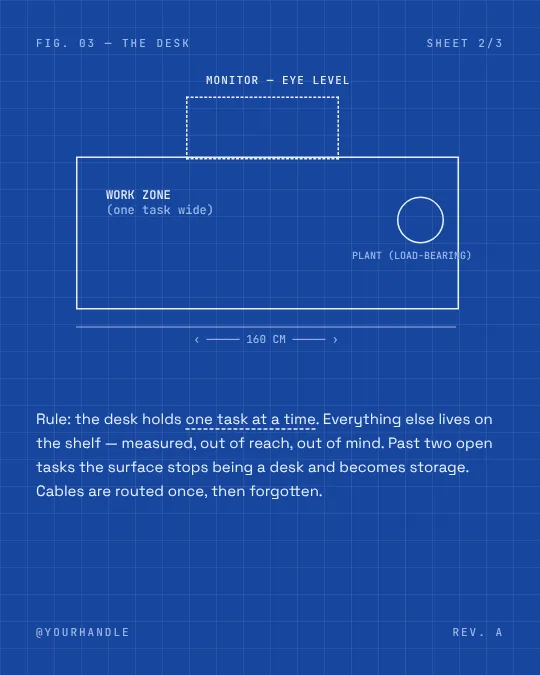
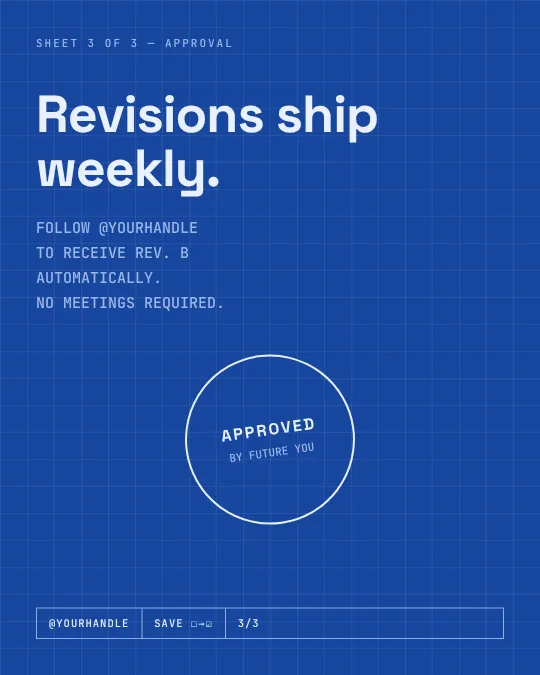
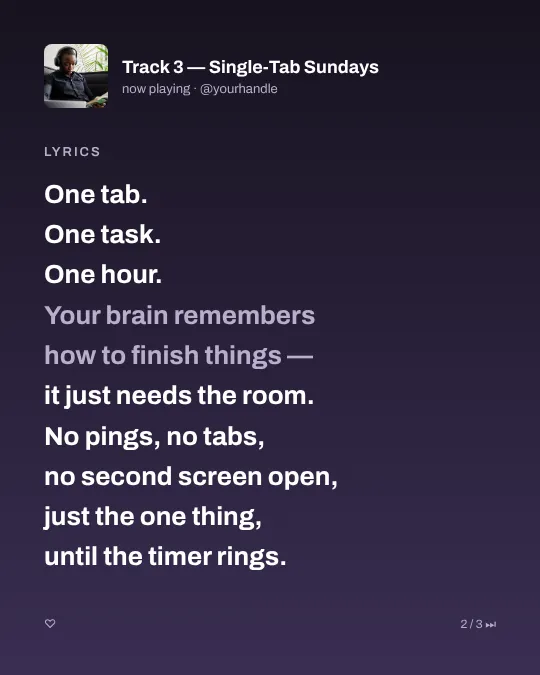
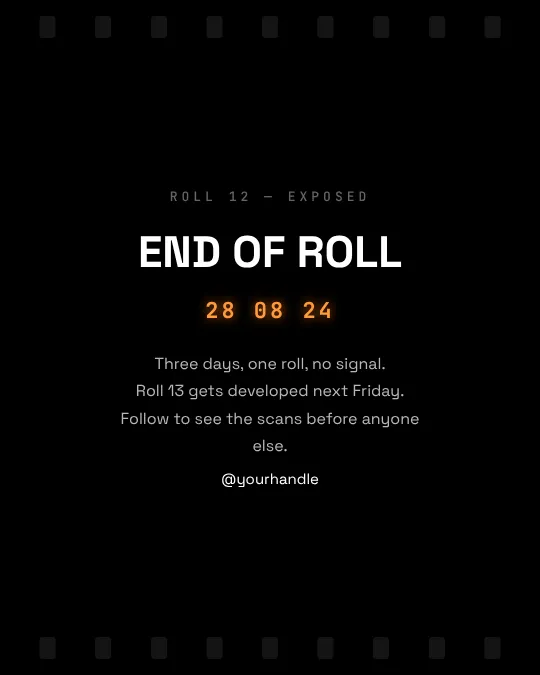
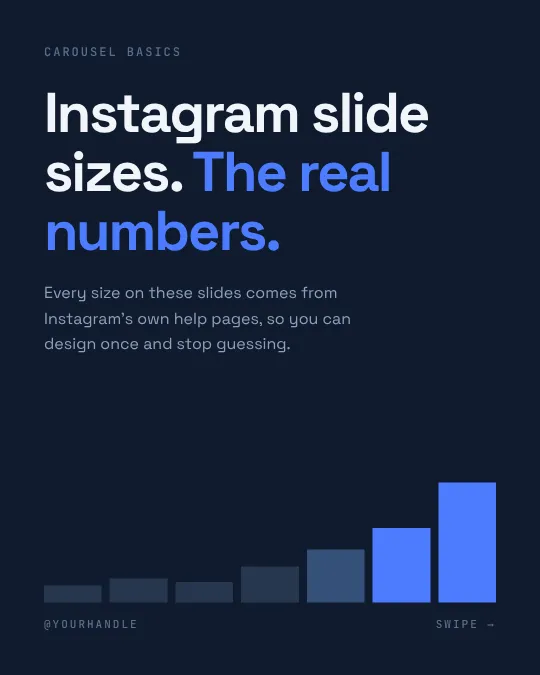
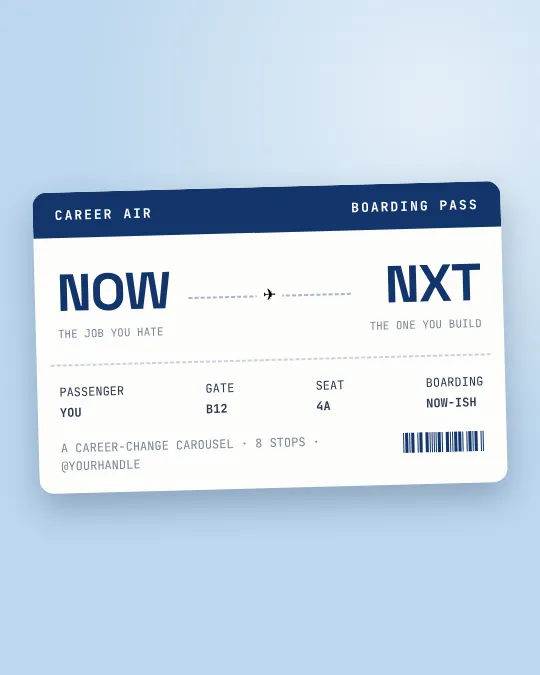
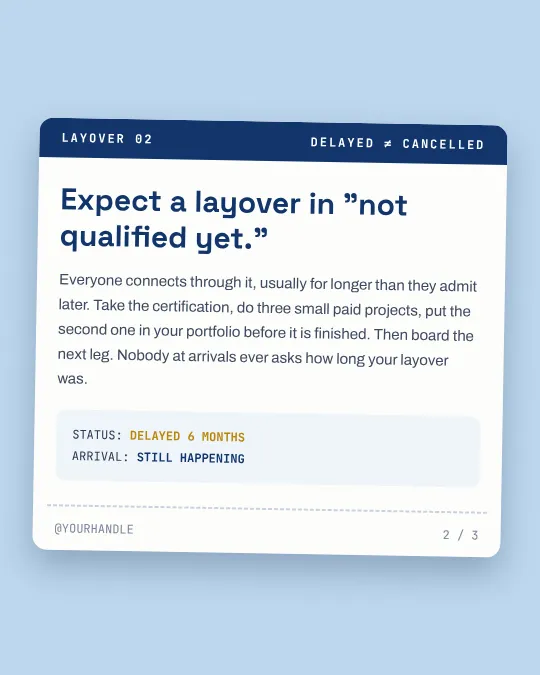
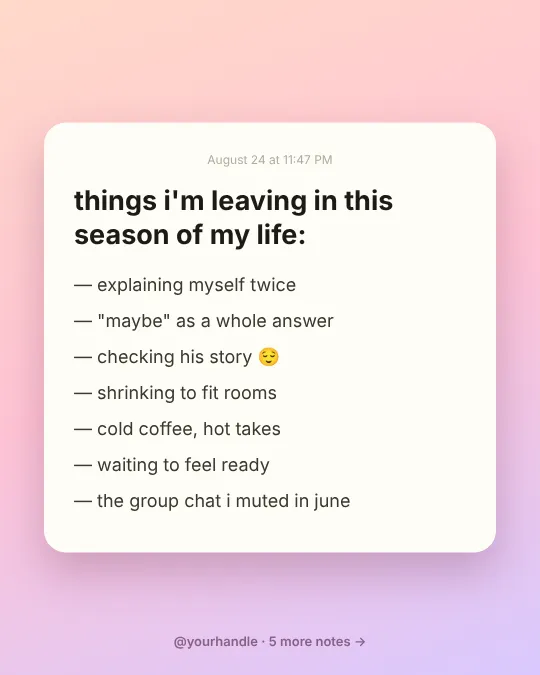
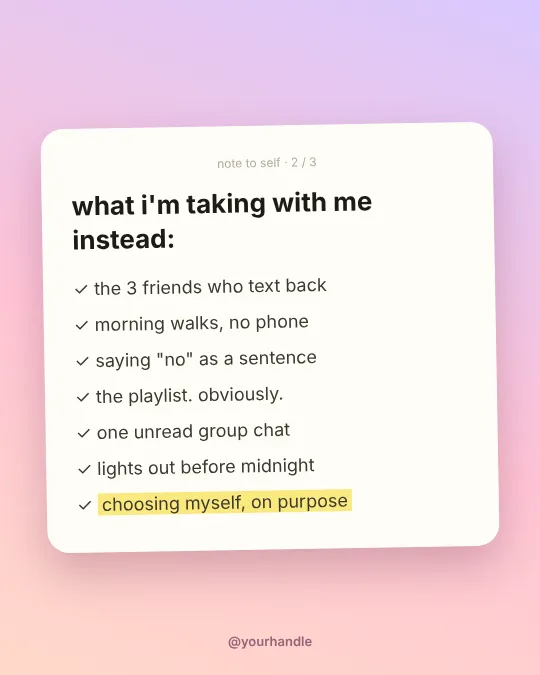
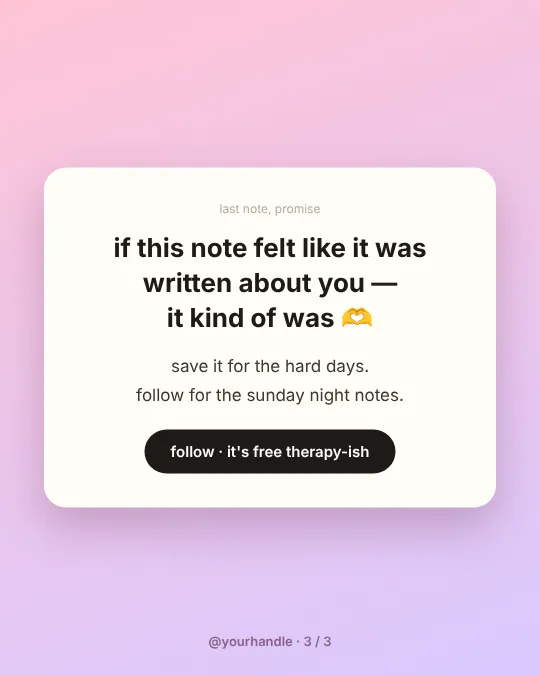
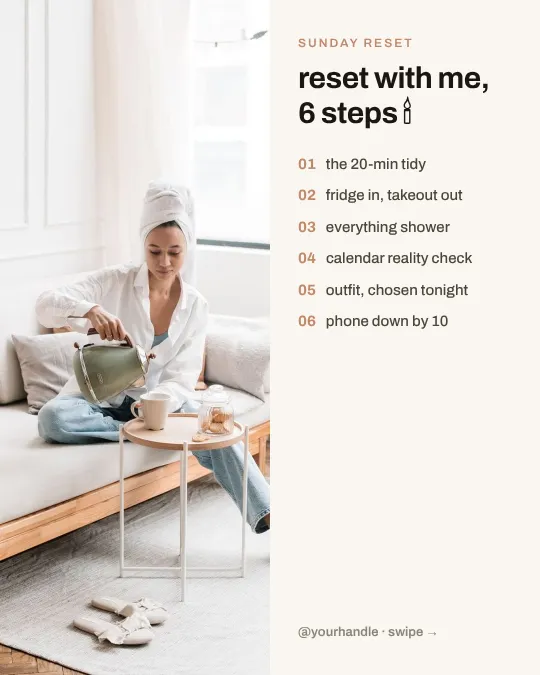
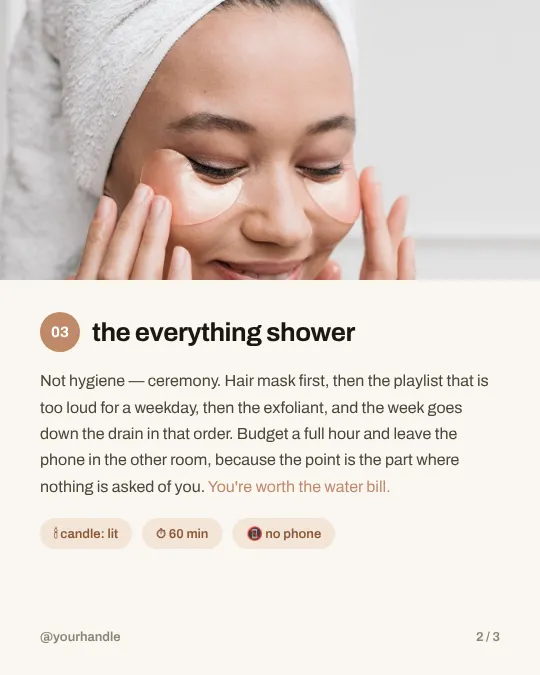
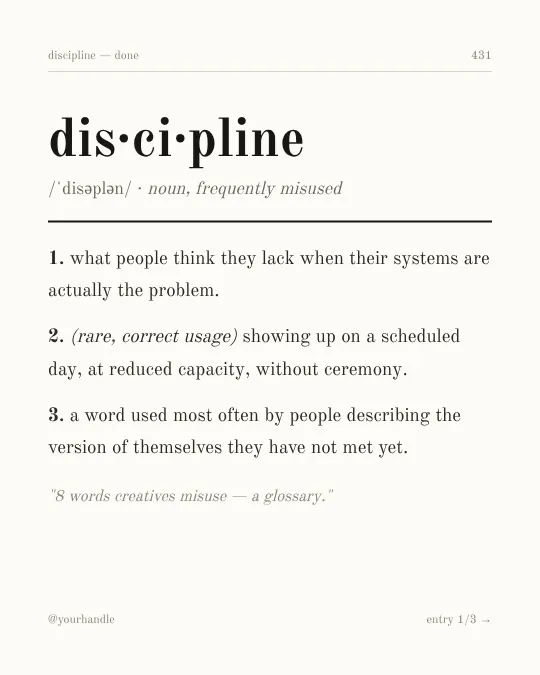
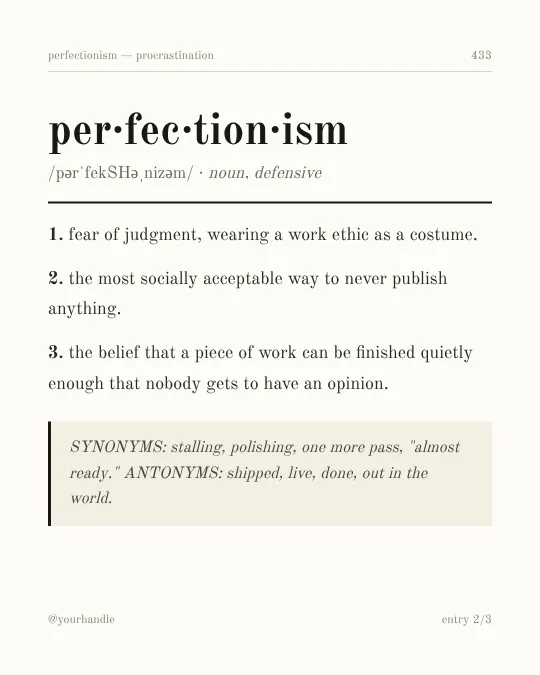
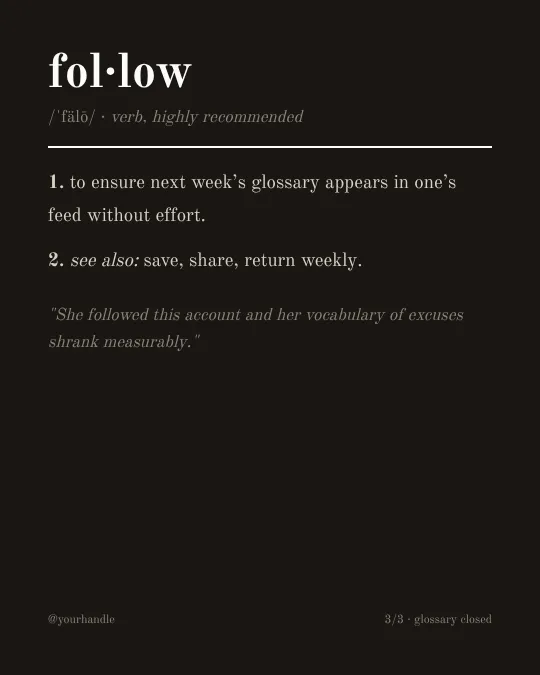
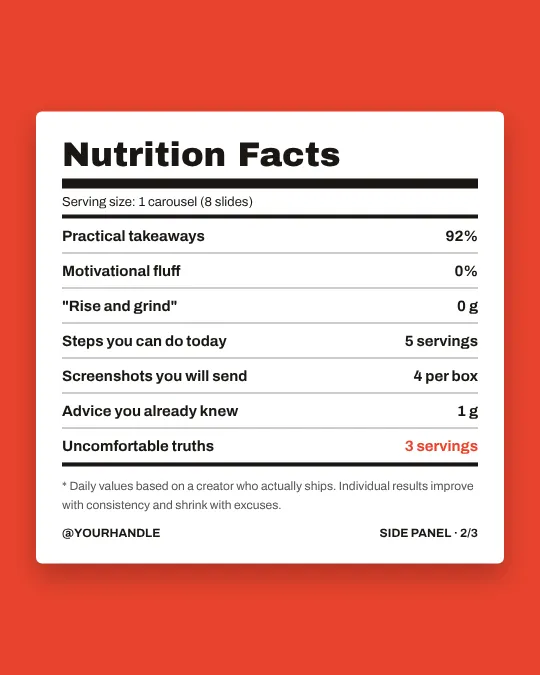
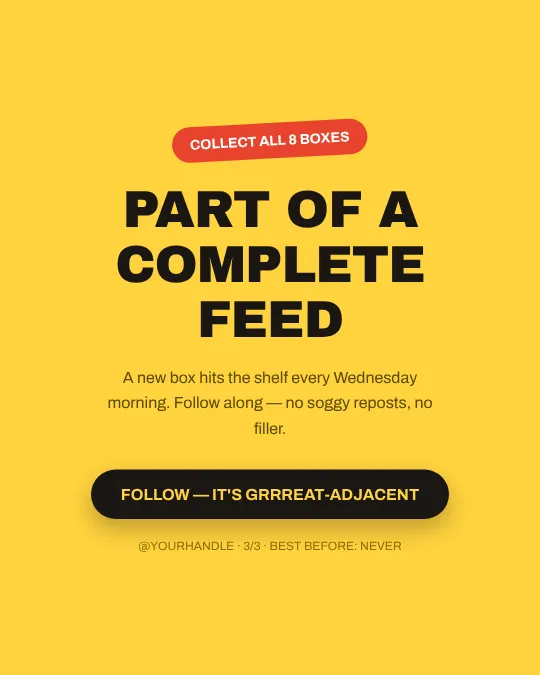
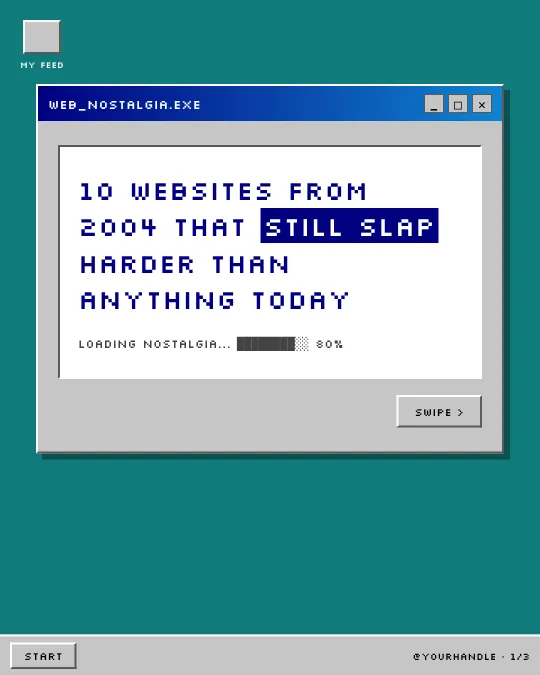
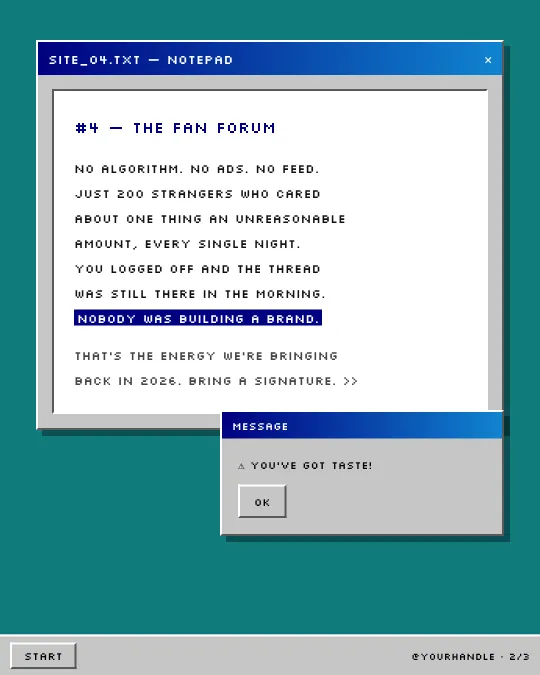
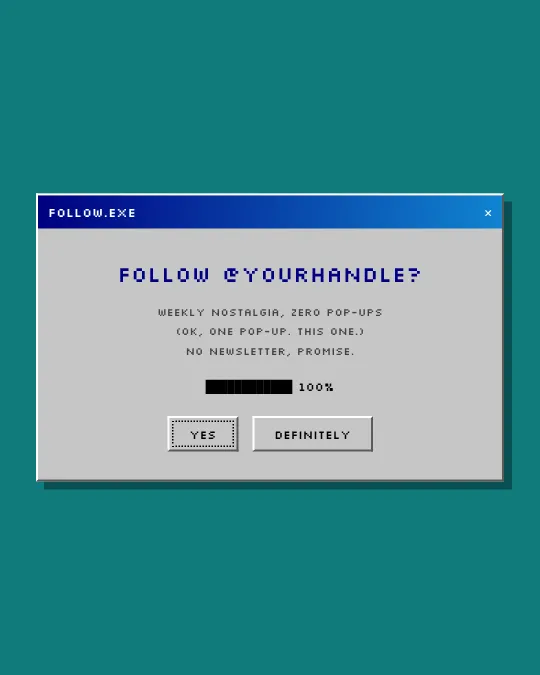
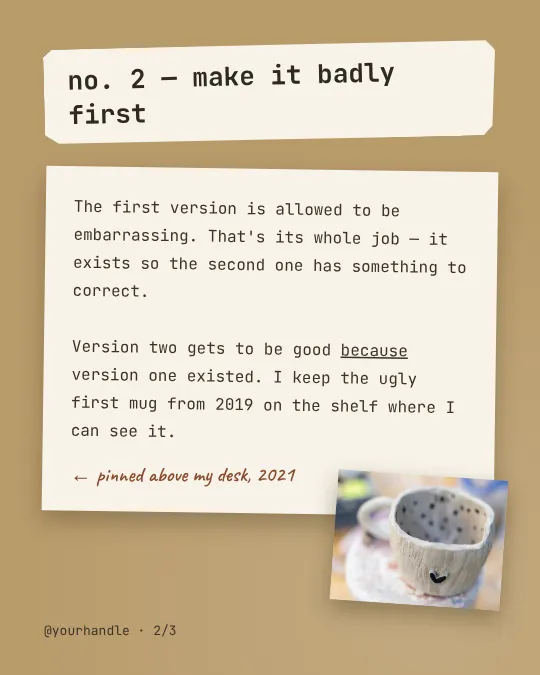
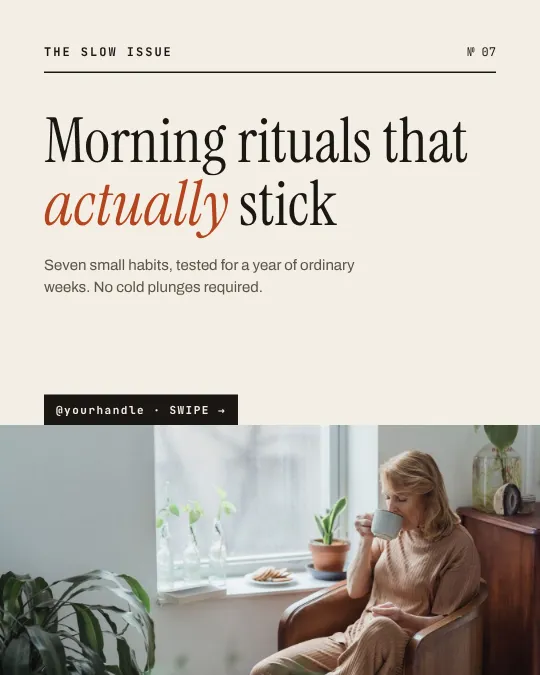
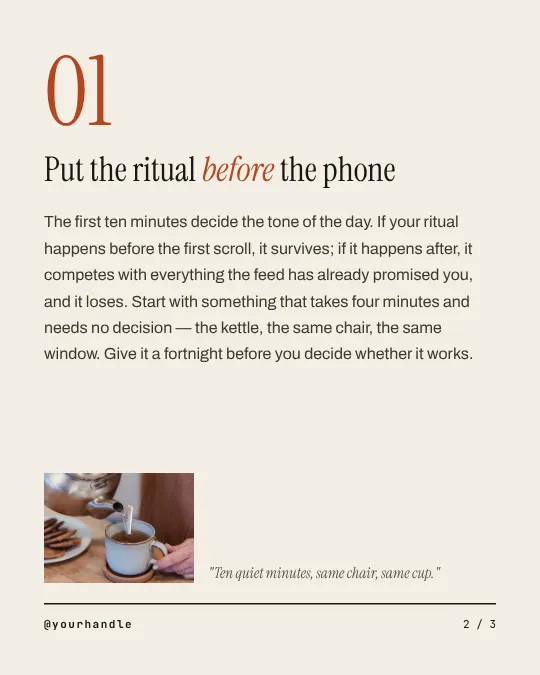
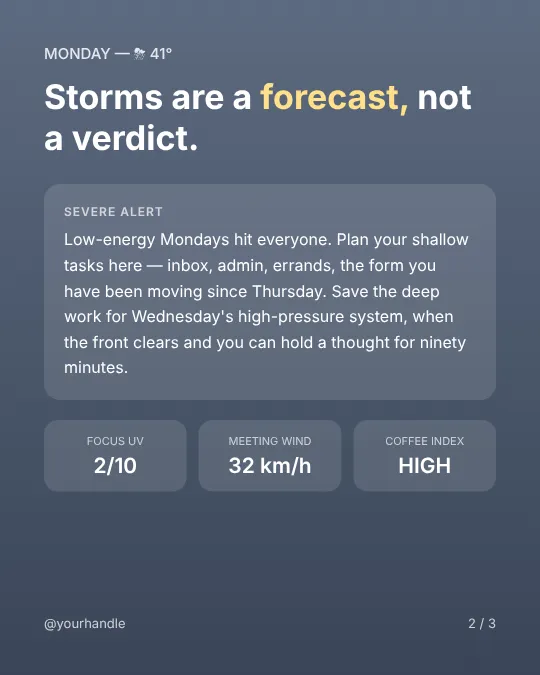
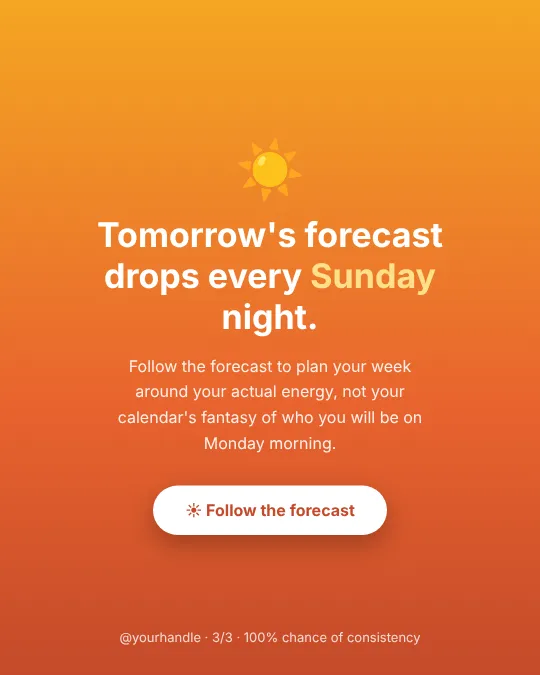
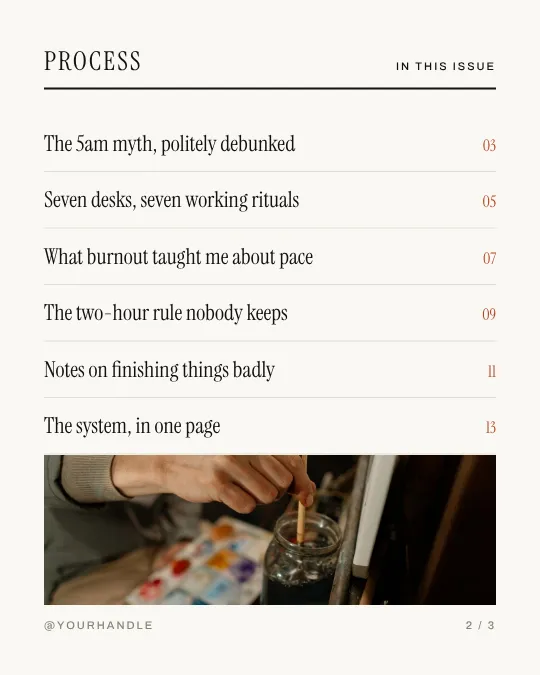
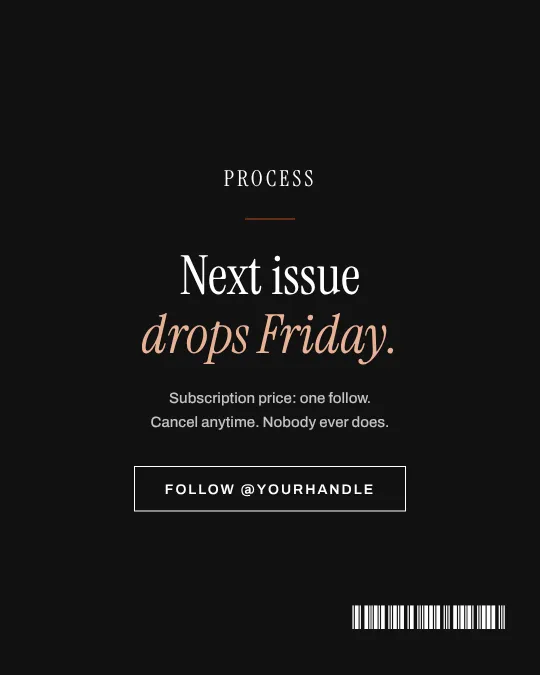
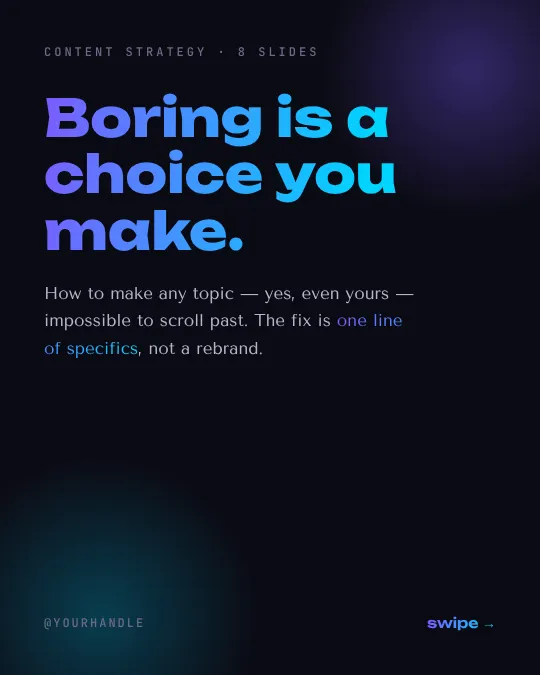
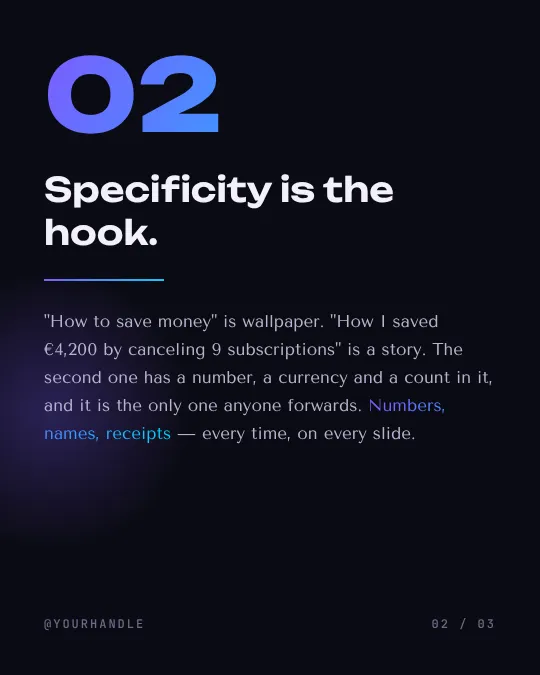
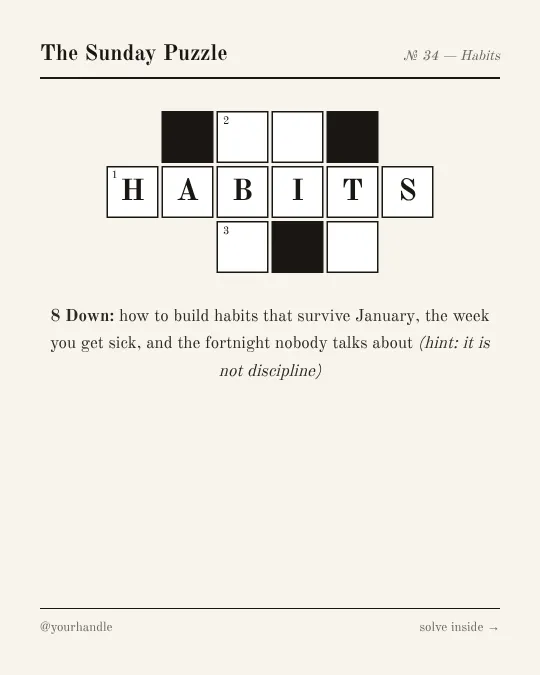
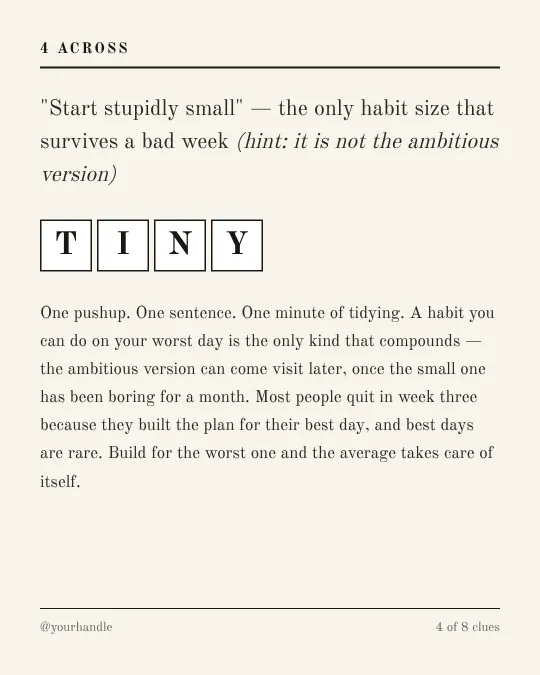
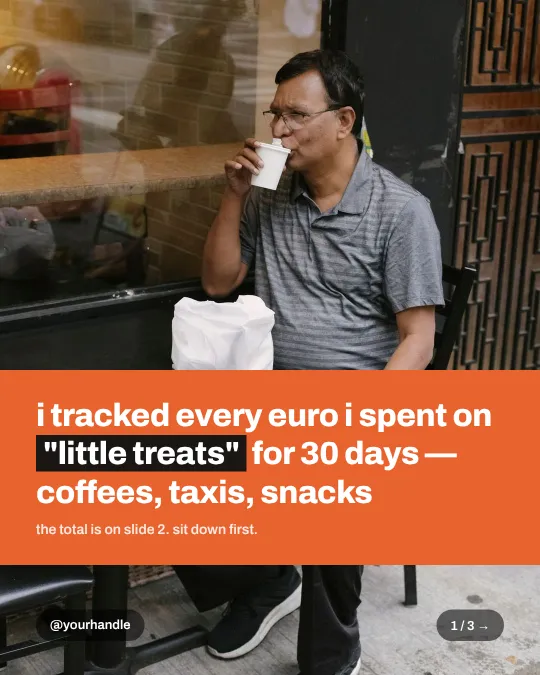
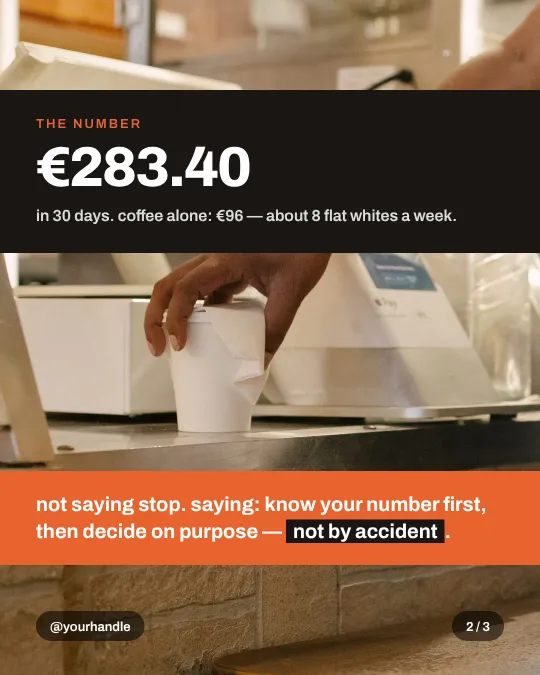
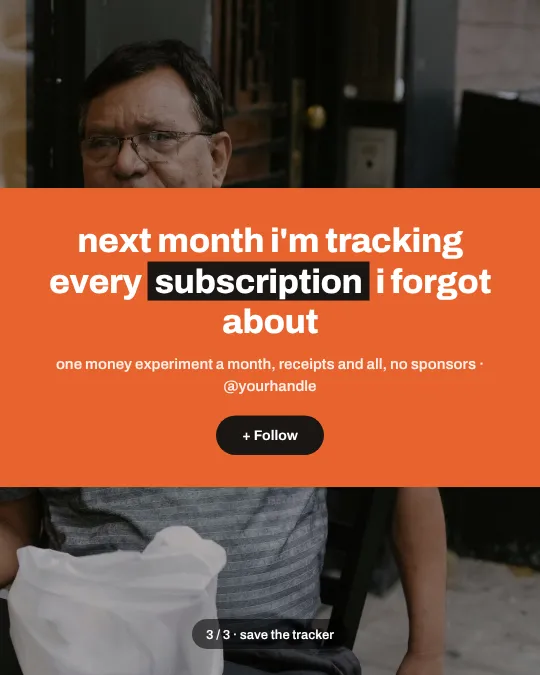
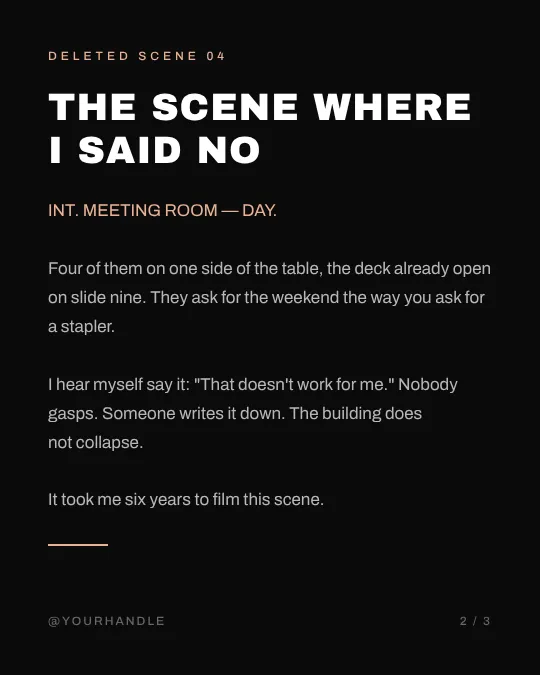
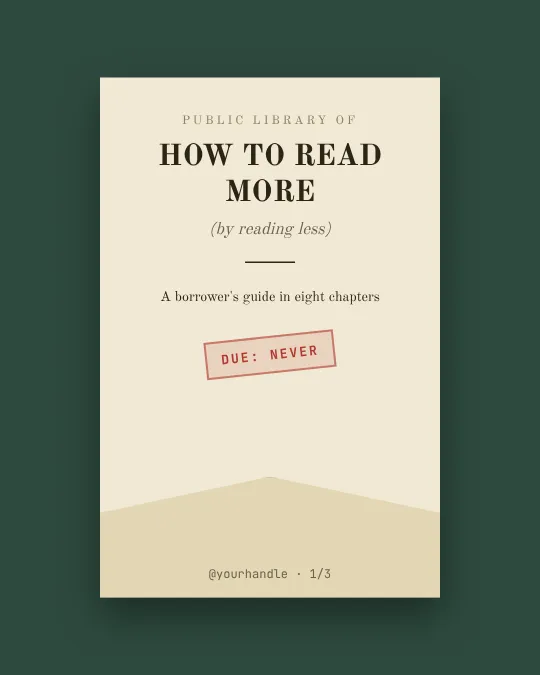
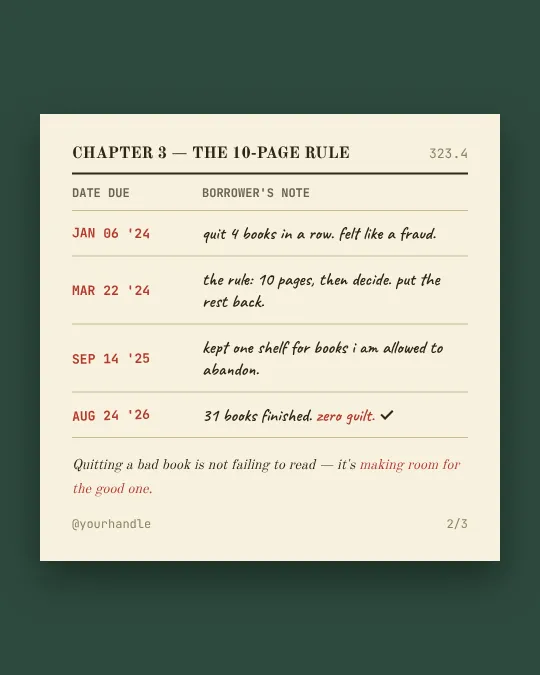
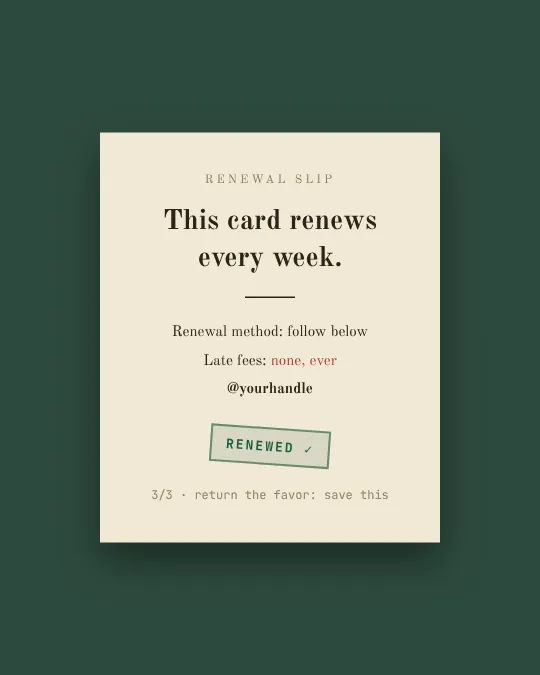
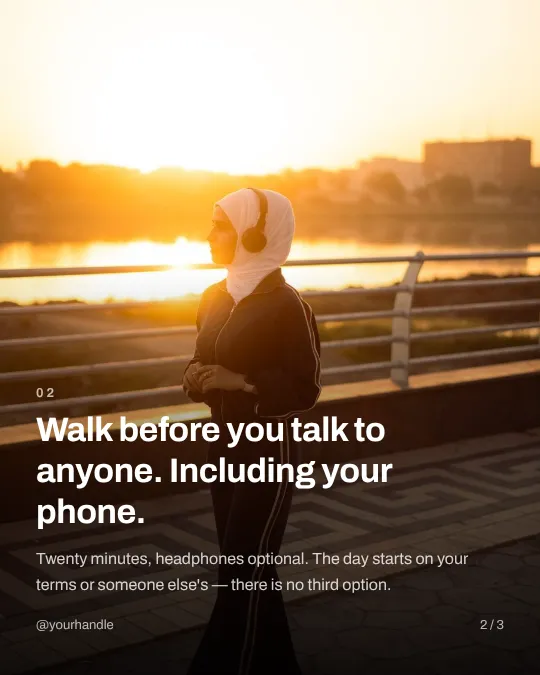
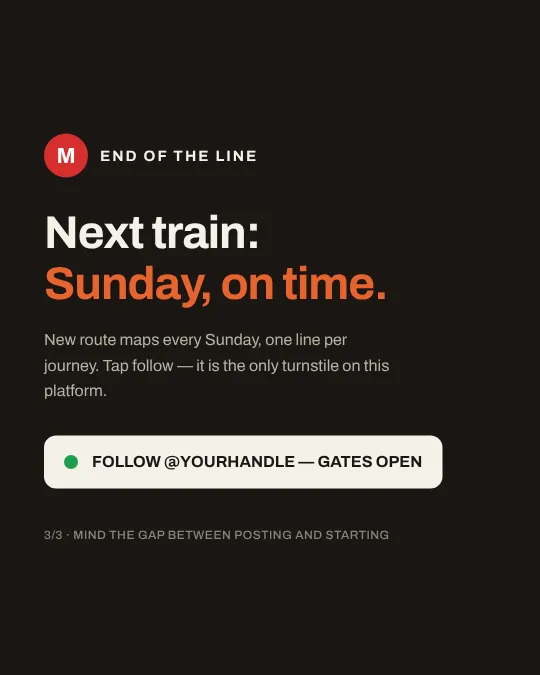
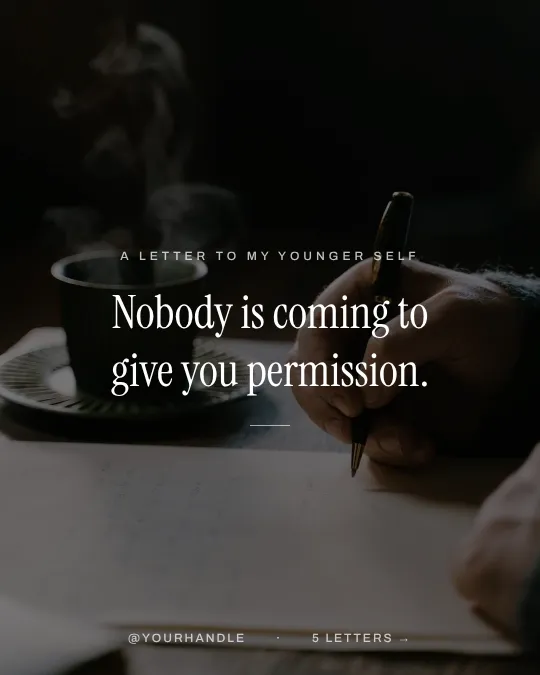
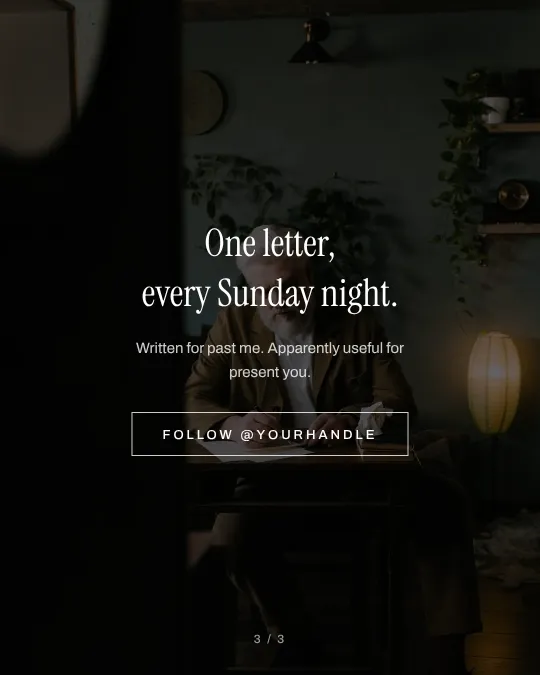
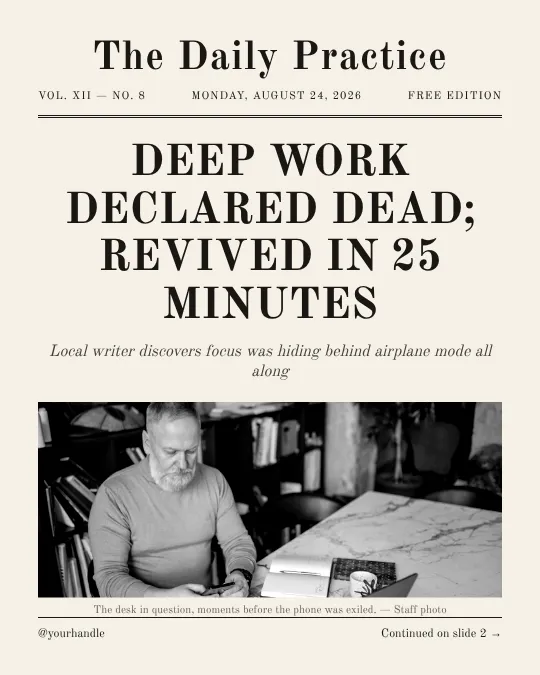
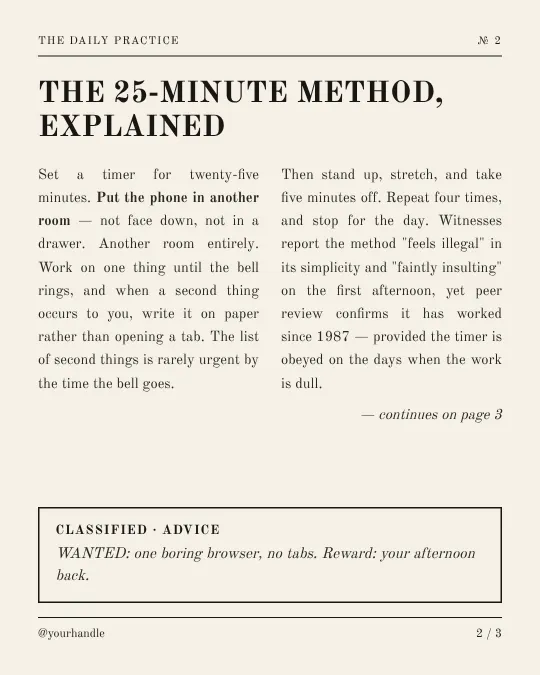
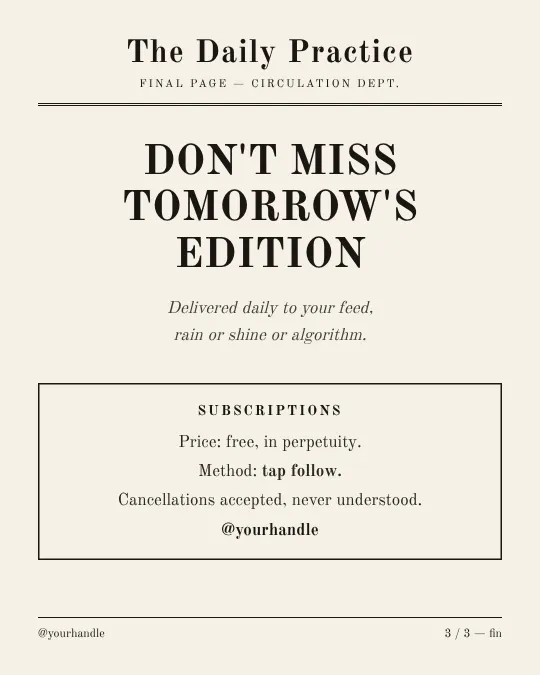
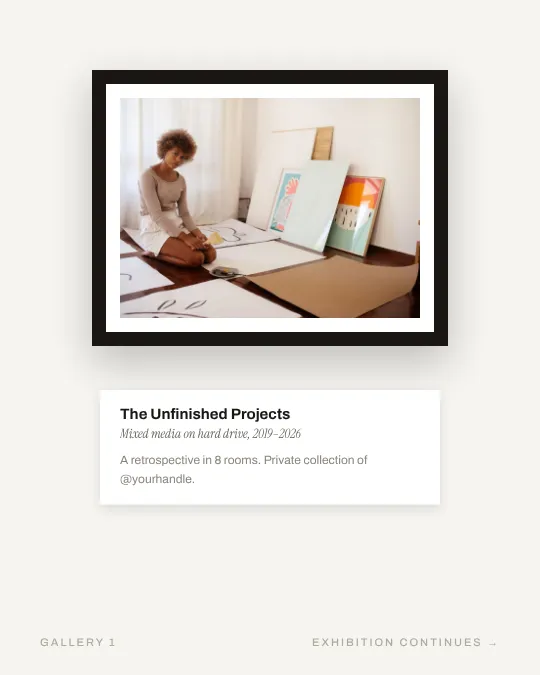
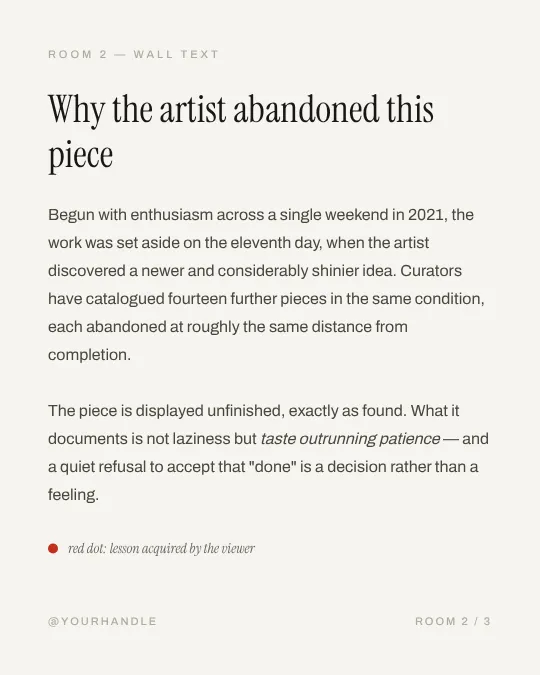
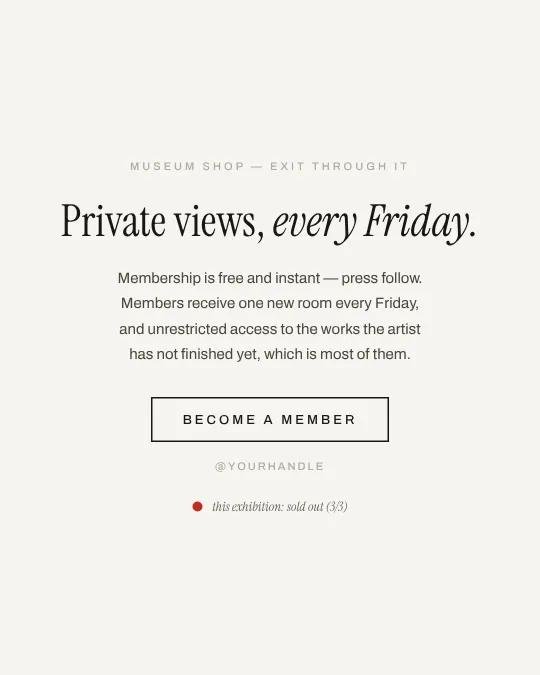
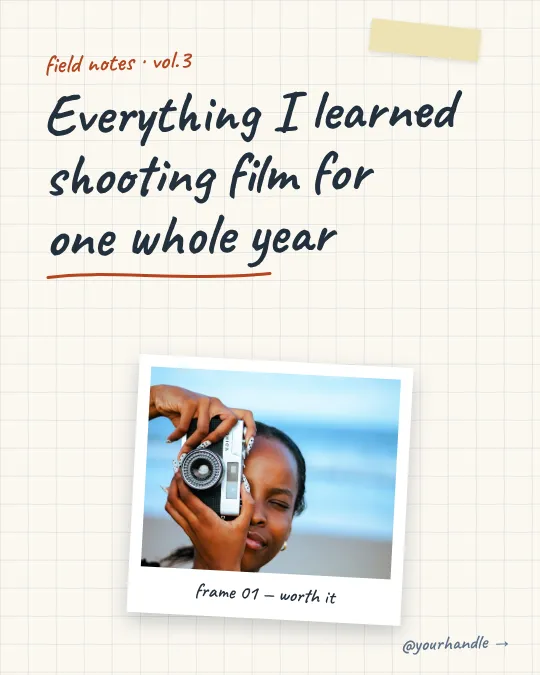
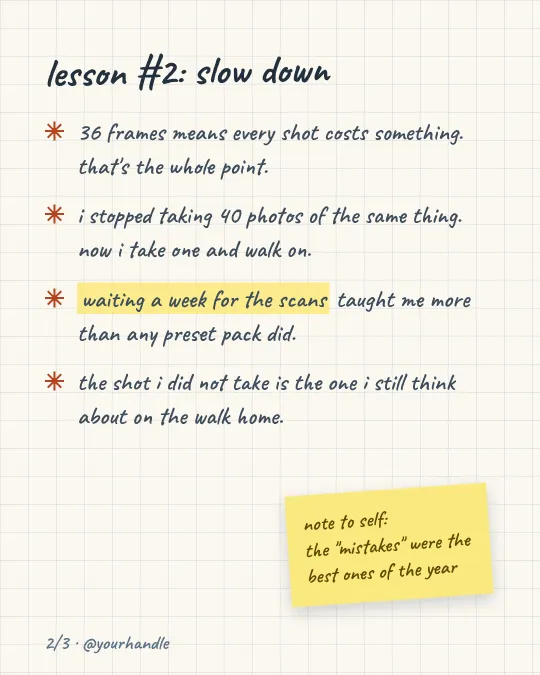
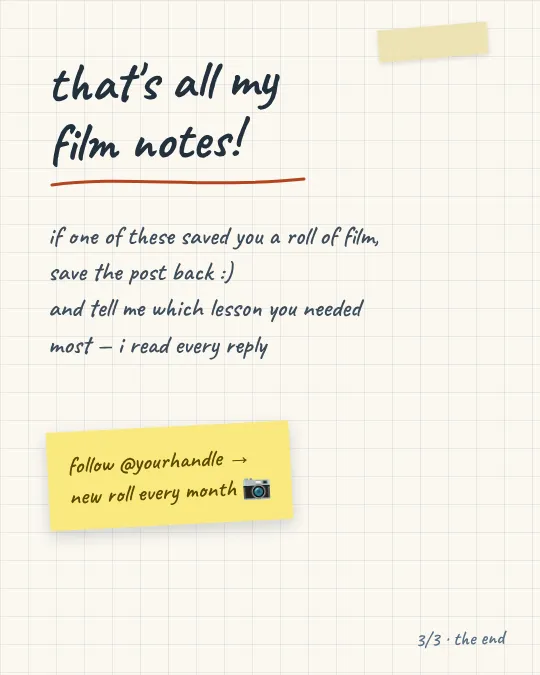
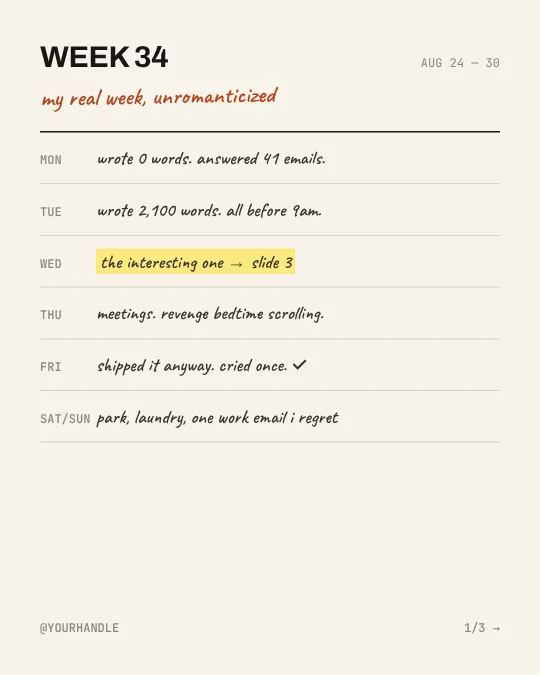
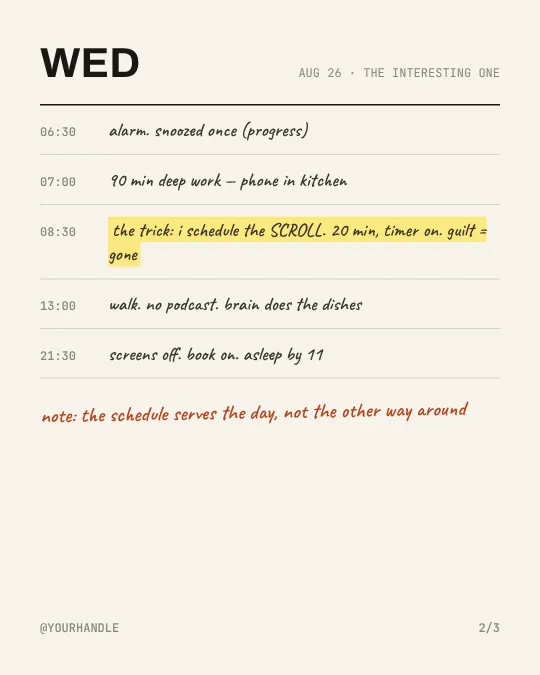
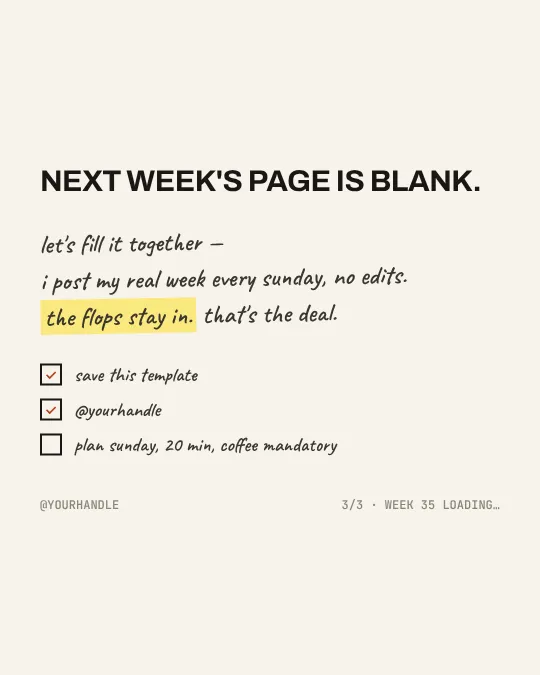
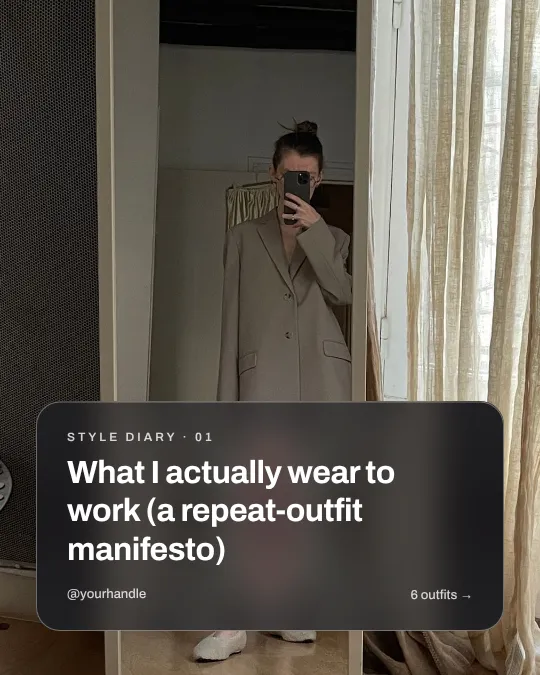
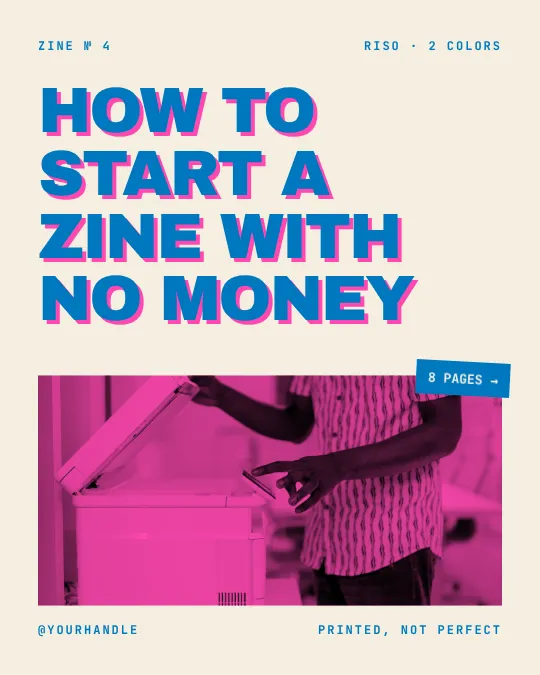
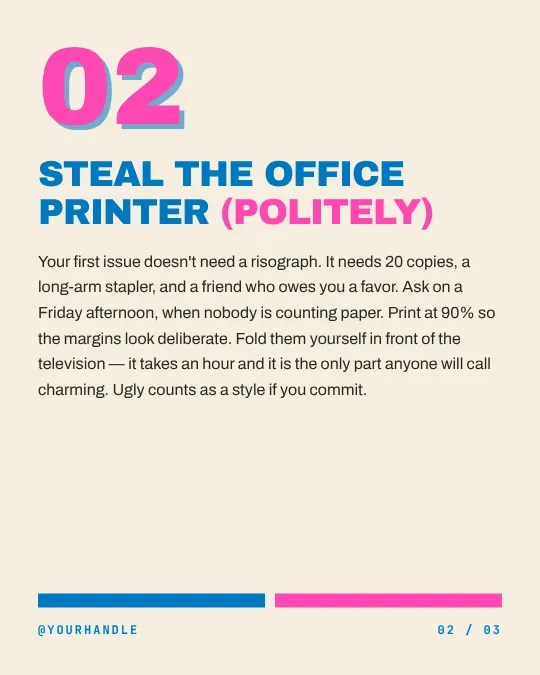
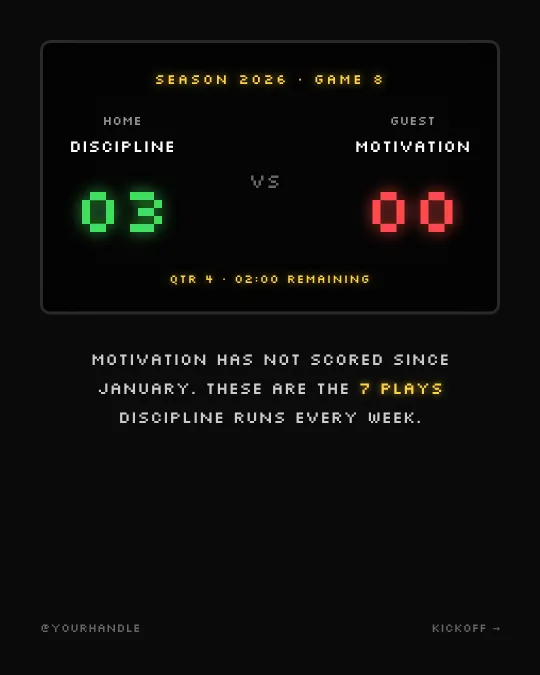
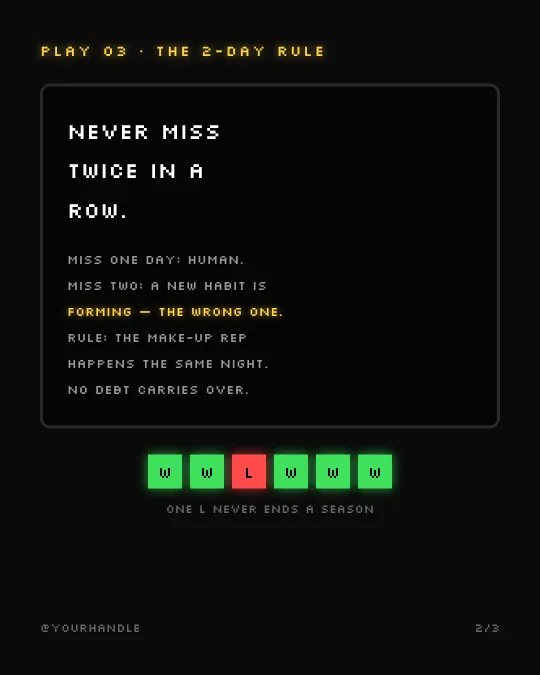
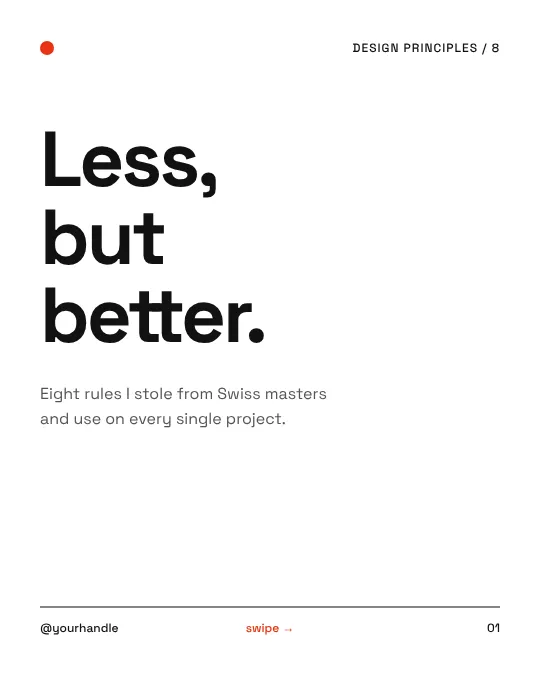
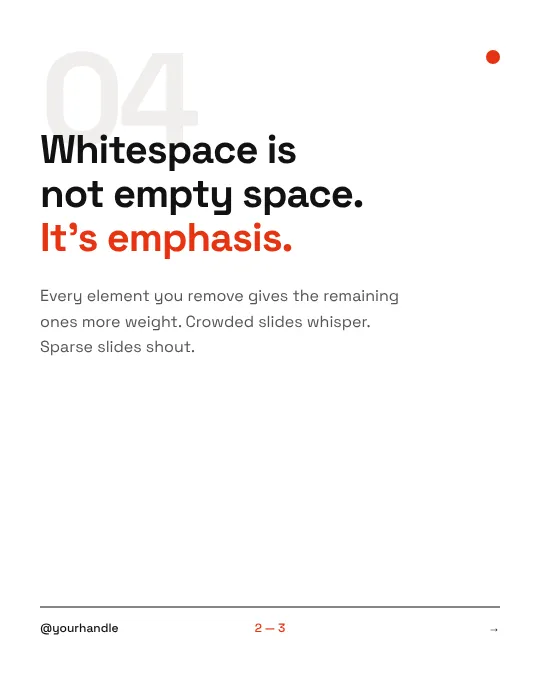
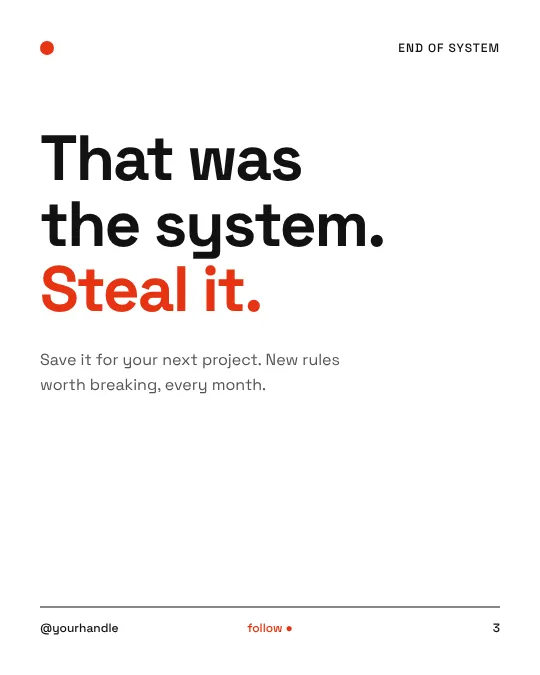
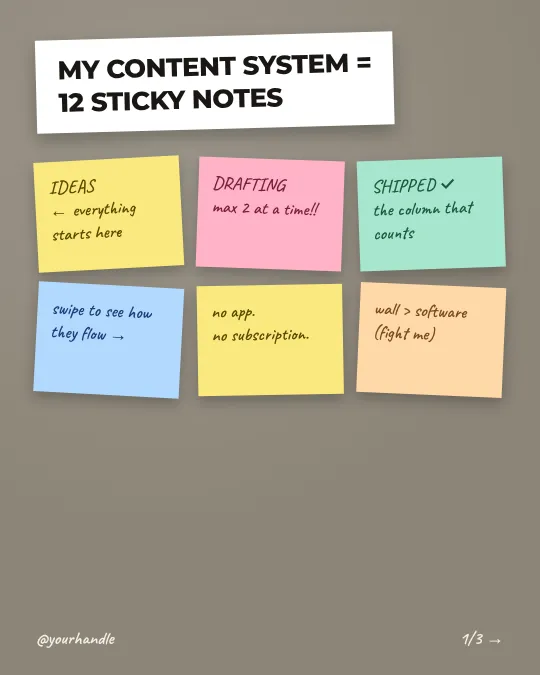
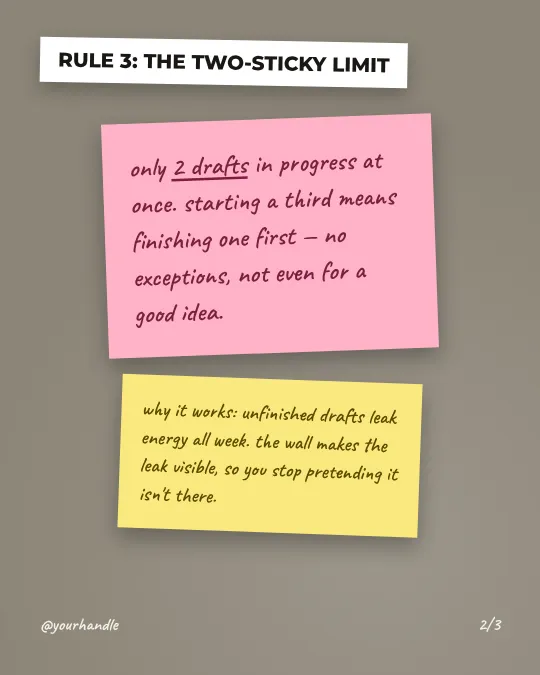
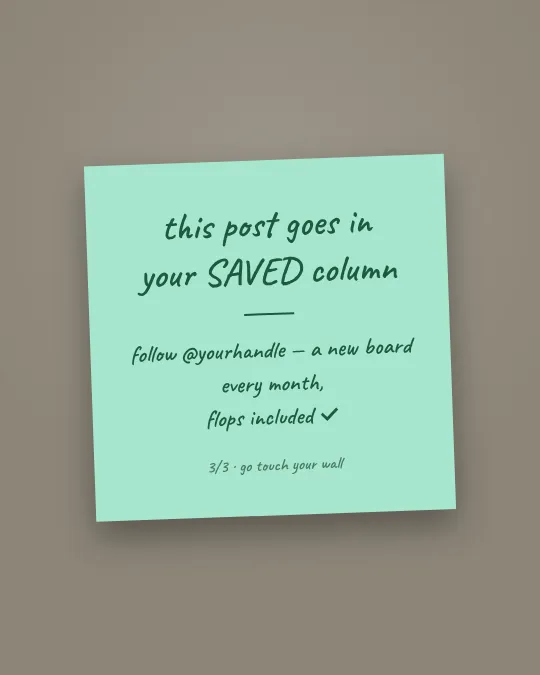
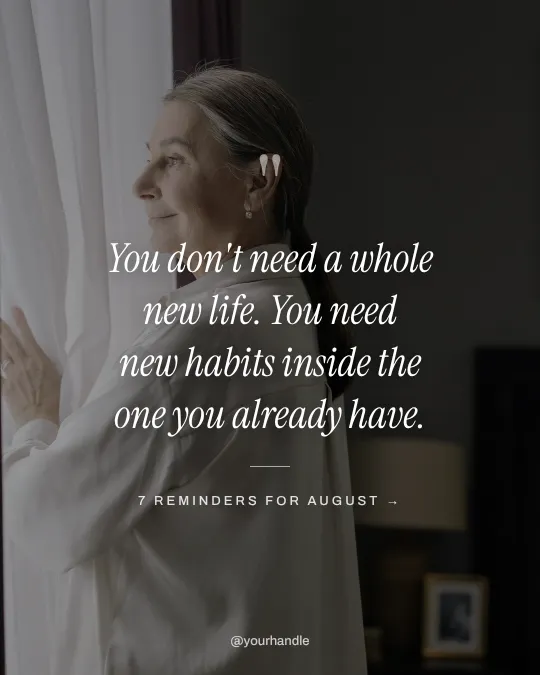
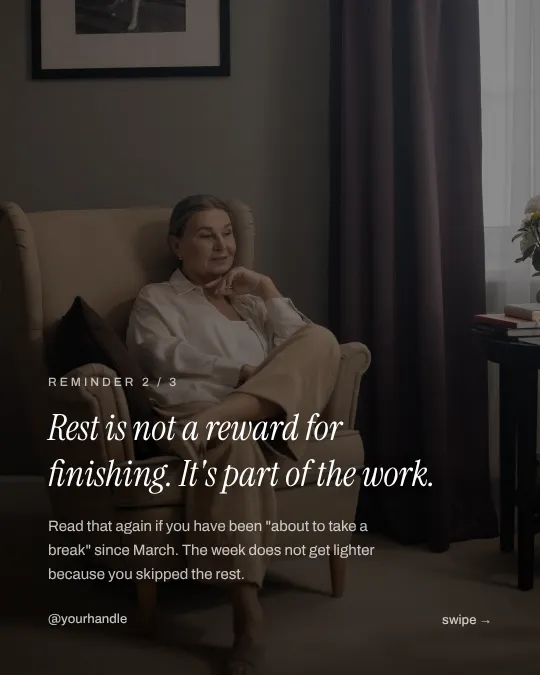
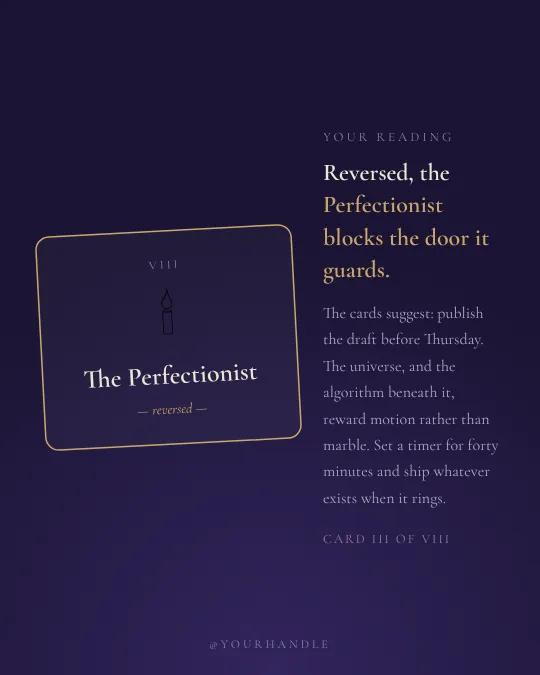
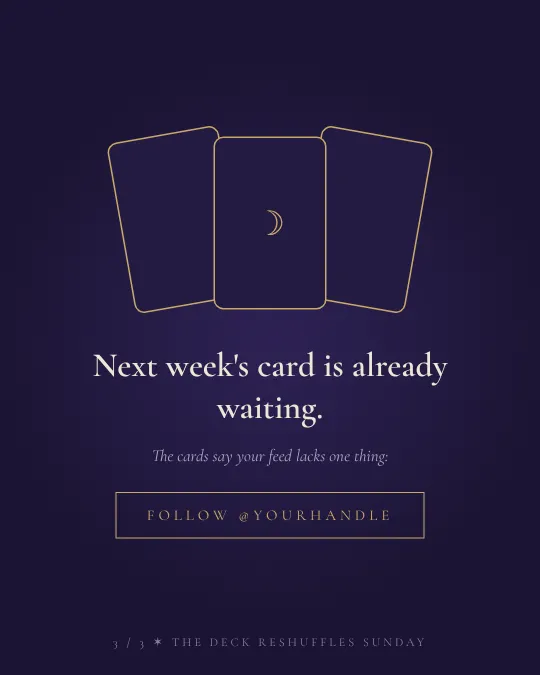
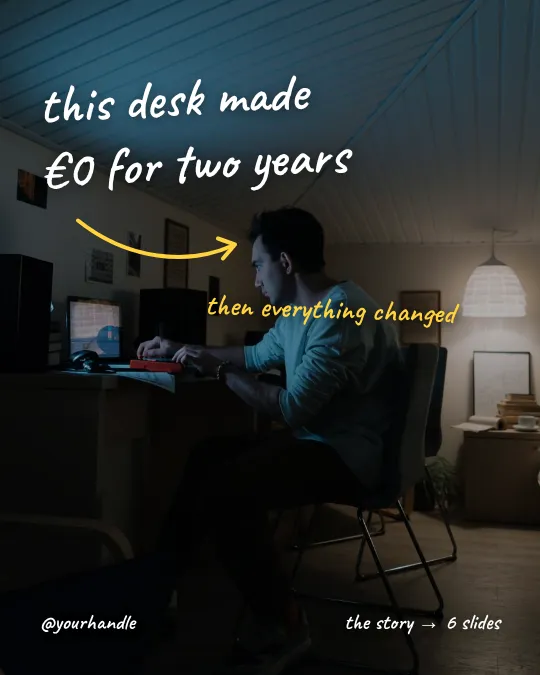
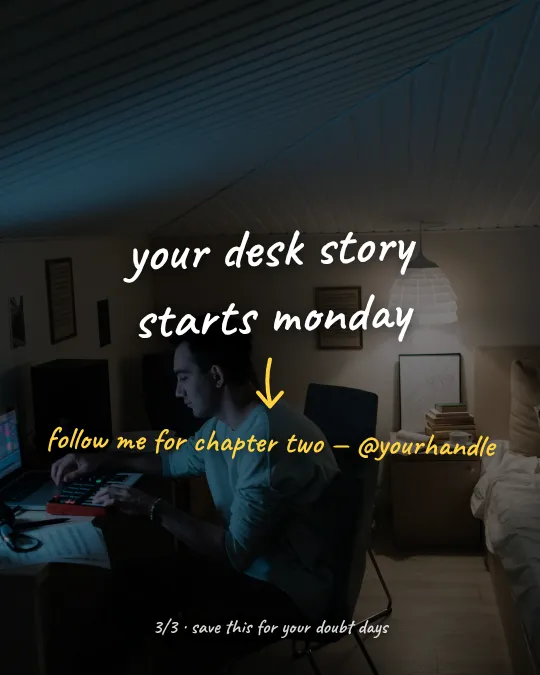
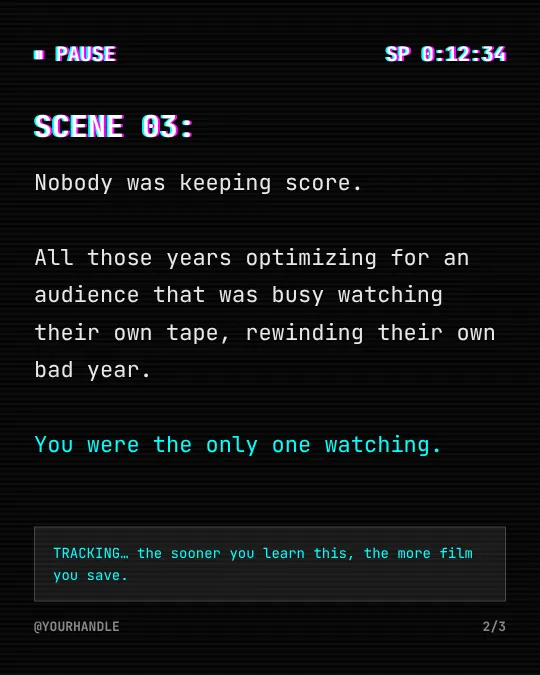
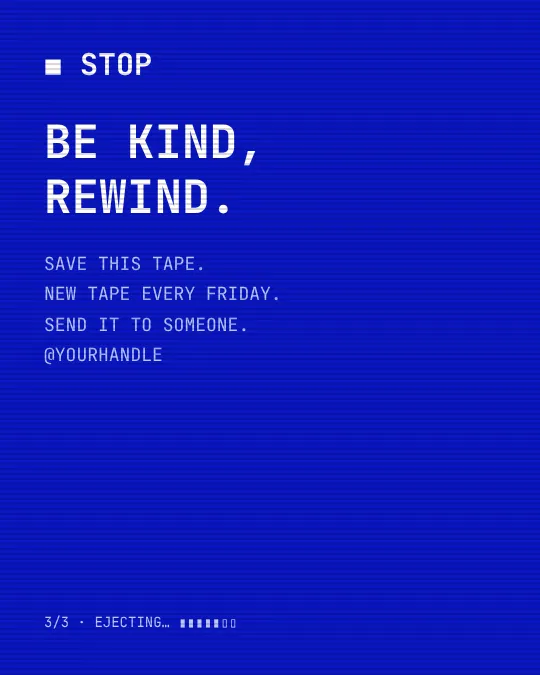
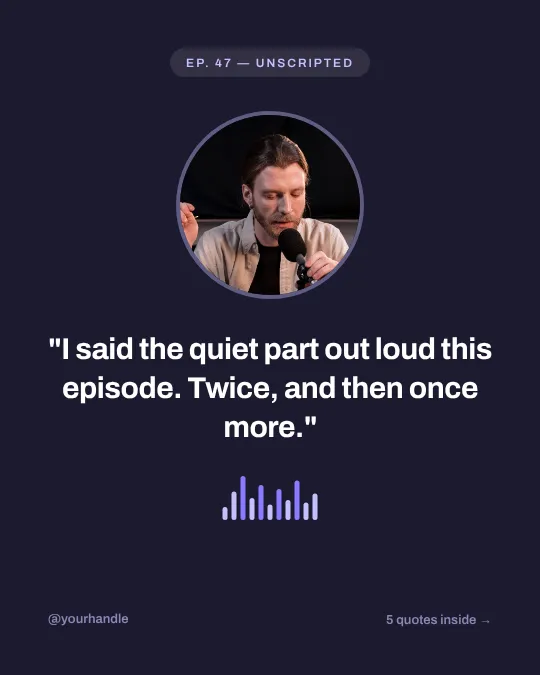
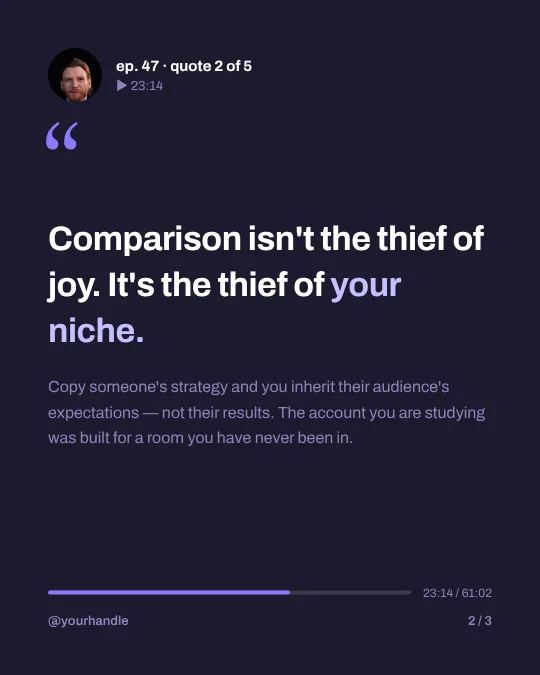
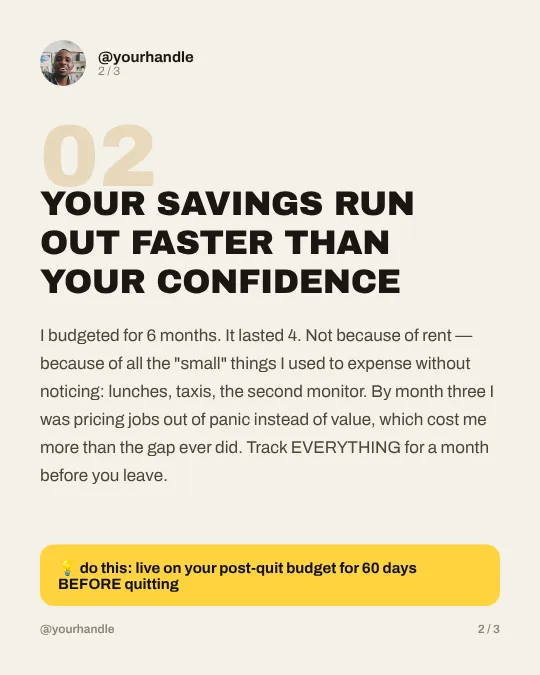
60 Instagram carousel templates from HandlePilot’s Carousel Maker, each shown as three real slides. Pick one, type your topic, and it writes the whole carousel in that style. You can change every word after. Free plan: 5 carousels a month.

How the carousel templates work

  1. Sign up free and add your Instagram account. Your name and @handle replace “Your Name”.
  2. In Carousel Maker, tap New carousel and pick the style you liked here.
  3. Type a topic, a rough outline or a caption you already wrote, then tap Write the carousel, or Start from blank if you have the words.
  4. Change any word, duplicate, delete or move slides, then download them as 1080 × 1350 PNGs in one ZIP.

Make your next carousel from a template

Writing a carousel takes up to a minute. Free plan, no card needed.

Get started for free

Make your own carousel style

If none of the 60 fits your brand, pick Design a custom style. Describe the look (colors, mood, fonts) and attach up to five images; HandlePilot designs a style, writes your carousel in it and saves it under Your styles. Custom styles are on the paid plans; Pro is $50 a month.

More on carousels: Carousel Maker and the Instagram carousel size guide.

  • ChatGPT
  • Claude
  • Claude Code
  • Codex
  • Cursor

Working in ChatGPT or Claude?

Connect HandlePilot’s MCP server and your AI agent can make carousels in any of these 60 styles: hundreds a month on the paid plans, 5 on the free plan. Each one opens in Carousel Maker, where you can still change every word.

See how the MCP server works

Carousel template questions

How do I get an Instagram carousel template?+

Tap Use this template on any style and sign up free. Then pick that style in Carousel Maker and type your topic. It writes the slides for you to edit and download as PNG files.

Are these carousel templates free?+

Yes. The free plan makes 5 carousels a month in any of the 60 styles, or in the app’s six classic themes, with no card needed. Your own photos on the slides and custom styles are paid; Pro is $50 a month.

What is the best template for an Instagram carousel?+

Pick by what you’re saying: Receipt or Notes App for tips, Chat Thread or Story Time for a story, Serif Quote for one line per slide. Make the first slide one clear promise, since it’s the only one people see before they swipe.

How do I post a carousel on Instagram?+

In the Instagram app, tap Create, then Post, then Select multiple. Pick up to 20 slides in order and tap Next. The shape you choose applies to every slide, so keep it portrait. Add a caption and tap Share.

What size is an Instagram carousel?+

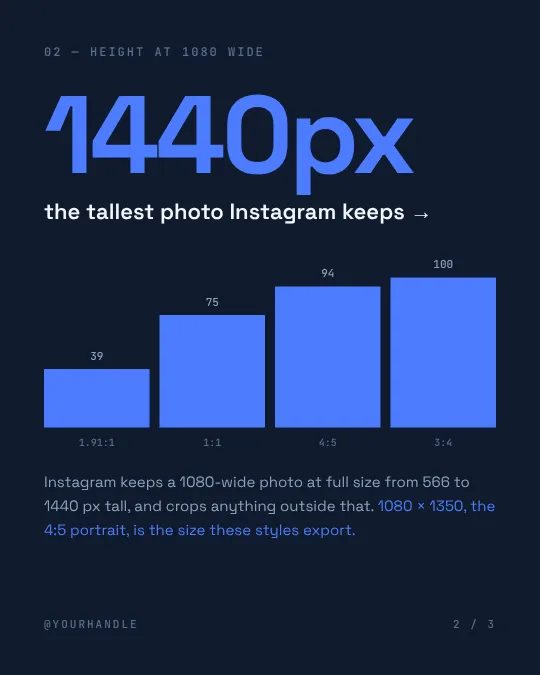
Make each slide 1080 × 1350 pixels, a 4:5 portrait, the size every template here exports. A carousel holds up to 20 photos or videos in one shape, and Instagram keeps a 1080-pixel-wide photo at full size from 566 to 1440 pixels tall.

Something else on your mind? Ask us anything

Checked against Instagram’s help pages and updated

Give your Instagram
AI superpowers.

One-stop hub for inspiration, content creation and planning.

Get started for freeFree plan · No card needed